UDISE Plus WASH & Toilet Facilities Data Entry 2026-27 – Fields That Affect Infrastructure Grants
📋 Table of Contents (click to collapse)
- Why WASH Data Entry Has More Fields Than You Expect
- Toilet Fields — The Existing vs Functional Distinction That Determines Grant Eligibility
- Drinking Water — Source Field vs Potability Field Are Not the Same
- Handwashing Facility — The Soap Availability Sub-Question
- How Incorrect WASH Data Removes Grant Eligibility
- WASH Entry for Schools With Partial or Non-Functional Facilities
- WASH Data Entry Checklist — Physical Verification Before Entry
- Frequently Asked Questions (FAQs)
Why WASH Data Entry Has More Fields Than You Expect
You open the WASH section in School Profile. You expected two fields: "Number of toilets" and "Drinking water available." Instead you find twelve. Boys toilets existing. Boys toilets functional. Girls toilets existing. Girls toilets functional. CWSN toilets. Drinking water source. Drinking water potable. Handwashing facility. Handwashing with soap. Rainwater harvesting. The list continues.
None of these fields exist as bureaucratic complexity for its own sake. Each one maps to a specific government scheme that funds facilities schools are missing. If you enter "Girls toilet functional = 0", your school qualifies for consideration under WASH scheme funding. If you enter "Drinking water potable = No", Jal Jeevan Mission records flag your school for water quality intervention.
Correct WASH data entry provides the mechanism through which schools receive the infrastructure they need. This page explains each significant WASH field, the distinction between similar-looking fields, and why incorrect entry removes grant eligibility your school genuinely qualifies for.
- Toilet existing vs functional — the distinction that determines grant eligibility
- Drinking water source vs potability — two separate fields with different grant implications
- Handwashing facility with soap — why the sub-question matters
- How incorrect WASH entry removes supplementary grants
- Entry method for partially functional or recently damaged facilities
- Physical verification checklist before data entry
Toilet Fields — The Existing vs Functional Distinction That Determines Grant Eligibility
For each toilet category (boys, girls, CWSN), UDISE+ has two fields: Existing and Functional.
- Existing: Total number of toilet units physically present in the school — including broken, locked, and under-repair toilets
- Functional: Of those existing toilets, how many can a student actually use on September 30 — where the door works, the student can access water, and the school does not use the unit for storage
The grant implications:
- A school with Girls toilet functional = 0 qualifies for emergency WASH grant under Swachh Bharat Mission / Samagra Shiksha
- A school with Girls toilet existing = 2 but functional = 0 signals that toilets exist but need repair — this triggers a maintenance grant, not a new construction grant
- A school with Girls toilet existing = 0, functional = 0 signals no toilets at all — triggers new construction grant
These are different grants for different situations. Entering both fields accurately ensures your school is directed to the right scheme.
Drinking Water — The Source Field and Potability Field Are Not the Same
UDISE+ has two drinking water fields that operators frequently confuse or conflate:
Drinking Water Source — answers "What is the source of water at the school?"
- Options typically: Tap Water (piped supply), Handpump/Tubewell, Open Well, Tanker/Truck, Rainwater Harvesting, None
- Enter the actual physical source — not what you wish it was
Drinking Water Potable / Safe — answers "Is the available water safe for drinking?"
- Options: Yes / No
- If the water source exists but water quality is not tested or is known to be unsafe — enter No
- If the water is from a safe tested piped supply — enter Yes
Grant implications of these two fields together:
| Source Field | Potable Field | Grant Trigger |
|---|---|---|
| None | No | Water facility provision grant — highest priority |
| Handpump | No | Water quality testing / purification system grant |
| Tap Water | No | Water quality improvement under Jal Jeevan Mission |
| Tap Water | Yes | No additional WASH water grant needed |
Handwashing Facility — The Soap Availability Sub-Question
The handwashing section in UDISE+ has a main question and a sub-question:
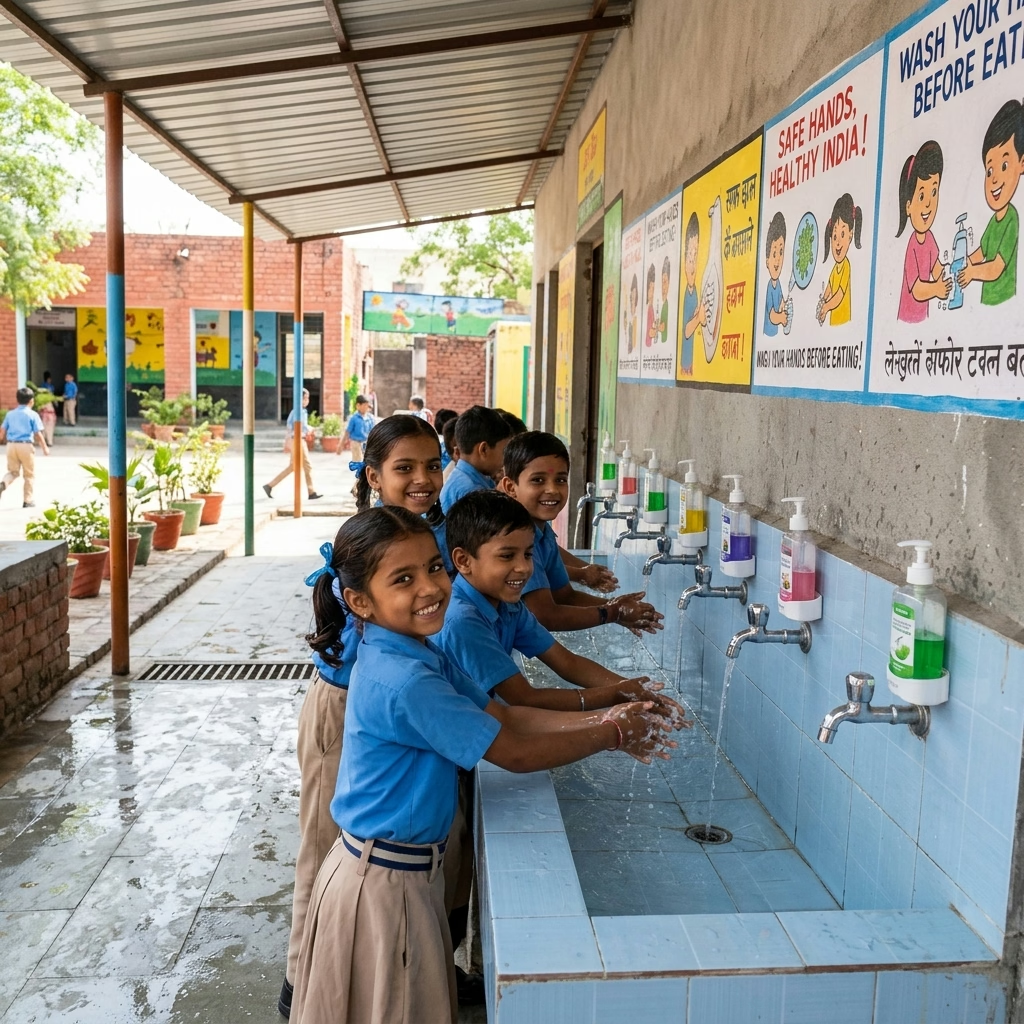
- Handwashing facility available: Does the school have a dedicated handwashing station (tap/basin, not just a bucket)?
- Handwashing with soap available: Does the school consistently provide soap at the handwashing station?
Common entry error: entering "Yes" for "facility available" but leaving the soap sub-question blank (which defaults to "No"). A school with a tap but no soap consistently provided shows a partial WASH facility — this is accurate and may trigger a hygiene promotion intervention under school health schemes.
Enter the actual situation. If the tap exists but the school only provides soap sometimes, enter the facility as "Yes" and soap as "No" — because on September 30, you cannot guarantee soap availability.
How Incorrect WASH Data Removes Grant Eligibility
Schools that enter better WASH data than they actually have remove themselves from grant consideration:
- Entering Girls toilet functional = 4 when only 2 work: Your school does not appear in the list of schools needing toilet repair grants. Two toilets remain non-functional for years because the data did not trigger a grant.
- Entering Drinking water potable = Yes when water is untested: The portal does not flag your school for Jal Jeevan Mission quality testing. Students continue drinking potentially unsafe water.
- Entering Handwashing with soap = Yes when soap is not regularly provided: The department does not direct school hygiene programs to your school. MDM health outcomes may not improve.
Accurate WASH data is not an admission of poor school management. It is the reporting mechanism that tells the state which schools need support for WASH infrastructure. Over-reporting quality removes your school from that support list.
WASH Entry for Schools With Partial or Non-Functional Facilities
Many schools have facilities that are partially functional — damaged, under repair, or seasonal. How to enter these accurately:
- Toilet under repair on September 30: Enter it as existing but not functional. It is not usable on the reference date.
- Handpump that works seasonally (not in summer): If September 30 falls in a period when the handpump is non-functional, enter Source = Handpump but Potable = No (if you do not have alternative safe water available)
- Water supply available only 3 days a week: Source = Tap Water, Potable = depends on water quality when available. Note the irregular supply issue in remarks if the portal provides the field.
- Girls toilet locked / key with headmaster only: Not functional for independent student use — enter as existing but functional = 0 unless the school makes it freely accessible to students during school hours
WASH Data Entry Checklist — Physical Verification Before Entry
- Walk to every toilet block — count total units (existing), then check each one: door locks/works, water available → count functional
- Count boys toilets and girls toilets separately — do not combine
- Check CWSN toilet specifically — has ramp access and wider door? Count separately.
- Turn on the water tap or operate the handpump — is water coming out as of September 30?
- Is the water source the same as last year? If you changed it, note what you changed and why.
- Is water quality tested? If yes — do you have a recent test certificate? If you have not tested the water — enter potable as No.
- Check handwashing station — is soap present today and is it regularly maintained?
- Note any facility that changed from last year with a brief reason for the remarks field
Udise Plus Student (SDMS) Login Module (State Wise)
❓ Frequently Asked Questions (FAQs)
Here are the most common questions people ask about UDISE Plus WASH & Toilet Facilities Data Entry 2026-27 – Fields That Affect Infrastructure Grants.
✅ Conclusion
WASH data entry in UDISE+ is not a formality — it is the trigger for supplementary grants under Swachh Bharat Mission, Jal Jeevan Mission, and state WASH schemes. Schools that enter "Yes" for facilities they do not have remove themselves from grant eligibility. Schools that enter "No" or accurate deficiency data automatically qualify for consideration under schemes that target exactly those gaps. Enter what exists as of September 30. Accurate deficiency reporting is not an admission of poor school management — it is the mechanism through which the school receives the resources to fix those deficiencies.
