UDISE Plus Mobile App 2026-27 – No Official App Exists: Here's How to Access Safely on Mobile
📋 Table of Contents (click to collapse)
- The Play Store Has 5 "UDISE Plus" Apps — None Are Official
- How to Access UDISE Plus Portals on Mobile Browser
- Which Modules Work Well on Mobile and Which Don't
- SDMS on Mobile — OTP Entry and Session Timeout Issues
- Official Government Apps Related to UDISE+ Processes
- Mobile Access Safety — Protecting Your Login Credentials
- Frequently Asked Questions (FAQs)
The Play Store Has 5 "UDISE Plus" Apps — None Are Official
You search "UDISE Plus" on the Google Play Store. Five results appear. One has 500,000+ downloads and 4.2 stars. You install it. It opens with a login screen asking for your school's UDISE code and password.
You should not enter your credentials here. There is no official UDISE+ mobile app published by the Ministry of Education or NIC. The five apps you see are: third-party guide apps that provide information about UDISE+, unofficial portal wrappers that embed the government website in an app shell, and in some cases apps that harvest government portal credentials.
This page explains how to access all UDISE+ portals safely on mobile, which modules work well on a phone, and which processes genuinely require a computer.
- Why no official UDISE+ app exists — and what the Play Store apps actually are
- How to access all UDISE+ portals safely on mobile browser
- Which modules work well on mobile and which don't
- SDMS OTP entry on mobile — specific challenges
- Official government apps related to UDISE+ processes
- Credential safety on mobile
How to Access UDISE Plus Portals on Mobile Browser
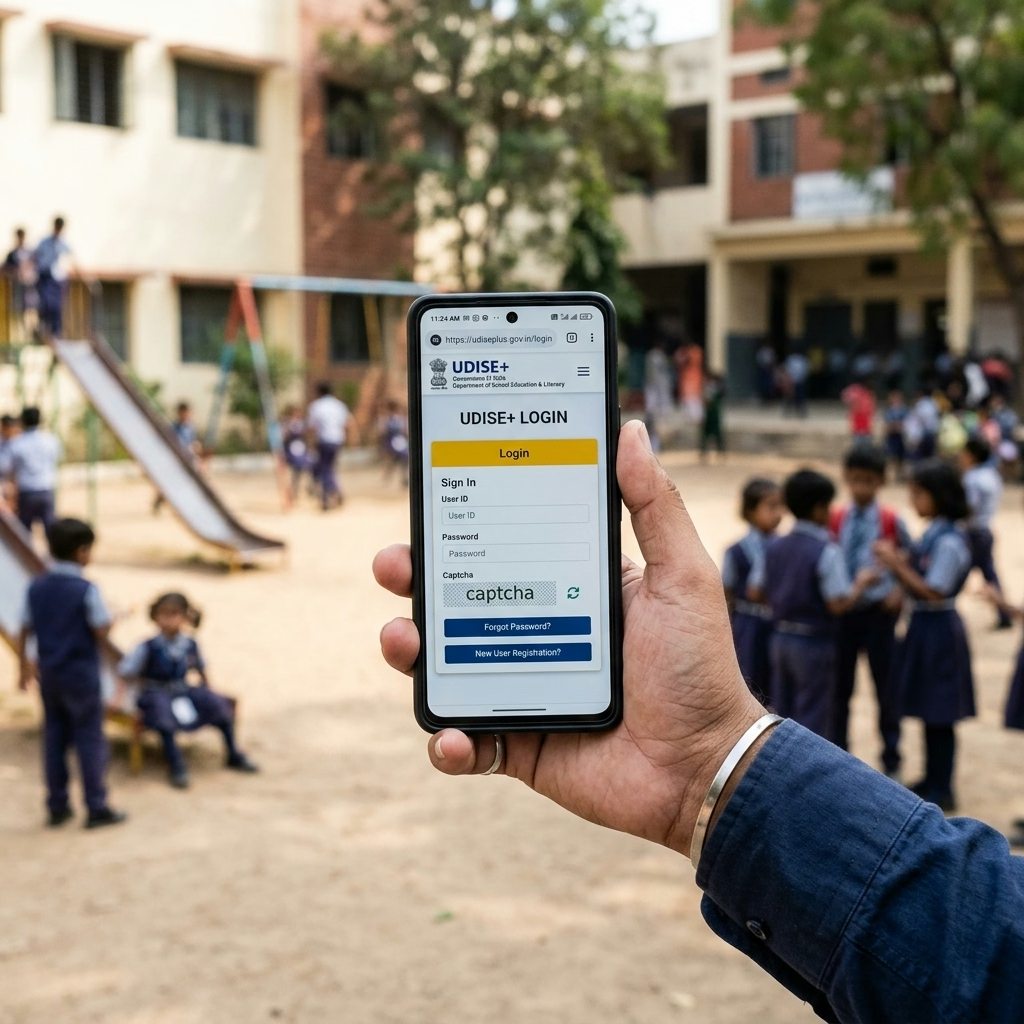
You can access all UDISE+ portals through any mobile browser — you do not need to install any app. Use these official URLs directly:
| Module | Official URL | Mobile Usability |
|---|---|---|
| School Profile Module | udiseplus.gov.in/moe_udise/ | Moderate — table entry is cramped |
| SDMS (Student Module) | sdms.udiseplus.gov.in | Moderate — works for single student ops |
| Teacher Module | udiseplus.gov.in/udiseteacher/ | Good — form-based, works well |
| Report Module | udiseplus.gov.in/udisereport/ | Good — report viewing works well |
| UDISE Code Search | udiseplus.gov.in | Excellent — simple search interface |
For best results on mobile:
- Open Chrome on Android (or Safari on iOS)
- Go to the official URL directly — do not search "UDISE Plus login" on Google as search results may show unofficial sites first
- On Chrome Android: tap the three-dot menu → tick "Desktop site" — this loads the full portal interface
- Bookmark the official URL so you access it directly next time
Which Modules Work Well on Mobile and Which Don't
Not all UDISE+ modules are equally mobile-friendly. Based on the type of data entry involved:
Works well on mobile:
- Teacher Module — form-based profile, one teacher at a time, readable on phone screen
- Report Module — viewing and downloading reports, checking certification status
- UDISE+ homepage and school search
- Checking module submission status on the dashboard
Difficult on mobile — use desktop if possible:
- School Profile enrollment table — multiple rows and columns, easy to tap wrong cell on small screen
- SDMS bulk student operations — class-wise list view is not mobile-optimized
- Infrastructure data entry — multiple paired fields (existing/functional) are confusing on mobile layout
Not recommended on mobile:
- APAAR ID generation for multiple students — requires coordinating OTP between two phones
- Bulk enrollment entry for 100+ students — table navigation on mobile is impractical
SDMS on Mobile — OTP Entry and Session Timeout Issues
The most common mobile-specific problem in SDMS involves OTP entry during Aadhaar authentication. The parent receives the OTP on their phone. You need to enter it on the school's device. If you use the same phone for both — or if you need to switch between apps — the SDMS session may time out, or you may find the OTP entry screen difficult to find after switching.
How to manage OTP entry on mobile:
- Before requesting OTP, make sure the OTP entry field is visible on screen — do not request OTP while the field is buried under a scroll
- If using one phone for both parent communication and portal access: ask the parent to read the OTP aloud, then type it immediately in the visible OTP field
- Use the browser's "split screen" feature on Android (long-press the app switcher button) to have SDMS and SMS app visible simultaneously if needed
- Session timeout on mobile SDMS is the same as desktop (typically 15-20 minutes of inactivity) — do not leave the page unattended while waiting for OTP
Official Government Apps Related to UDISE+ Processes
While the government has not released an official UDISE+ data entry app, some official government apps connect to processes that overlap with UDISE+:
| App Name | Publisher | What It Does | Relevant to UDISE+? |
|---|---|---|---|
| DigiLocker | Ministry of Electronics & IT | Students view their APAAR ID and academic documents | Yes — for students to access their APAAR |
| UMANG | NIC / MeitY | Access to multiple government services including some education portals | Limited — primarily citizen services |
| mAadhaar | UIDAI | Aadhaar management, OTP generation | Yes — UIDAI OTP for Aadhaar authentication |
| DIKSHA | Ministry of Education | Teacher training, digital content | No direct UDISE+ connection |
Mobile Access Safety — Protecting Your Login Credentials
School UDISE+ login credentials allow you to edit official government data. You must protect them on mobile:
- Do not save credentials in third-party apps — only save them in Chrome's built-in password manager or your device's secure notes, not in note-taking apps with cloud sync
- Do not use public WiFi for UDISE+ portal access — hackers can intercept your login session on unsecured networks
- Log out completely after each session on mobile — do not just close the tab. On Chrome mobile, "Log out" from the portal and then close the tab.
- If your phone is lost with an active UDISE+ session: change the password immediately from another device through the official portal
- Never enter UDISE+ credentials in any app that is not the official government website. The official test: the URL must start with udiseplus.gov.in or your state's official SDMS subdomain.
Udise Plus Student (SDMS) Login Module (State Wise)
❓ Frequently Asked Questions (FAQs)
Here are the most common questions people ask about UDISE Plus Mobile App 2026-27 – No Official App Exists: Here's How to Access Safely on Mobile.
✅ Conclusion
There is no official UDISE+ mobile app as of 2026-27. Every app on Play Store or App Store claiming to be UDISE+ is either a third-party guide app, a data aggregator, or potentially a credential-harvesting fake. You can access all official UDISE+ portals — School Profile, SDMS, Teacher Module, Report Module — through mobile browsers without installing any app. For serious data entry work (APAAR generation, bulk enrollment entry), use a desktop or laptop. Mobile browser access is suitable for checking status, viewing reports, and doing quick single-student operations.
