UDISE Plus Student Mother Tongue Codes: Complete Guide & State Mappings
📋 Table of Contents (click to collapse)
- Why Student Mother Tongue Codes Matter in UDISE Plus Data Entry
- Official Mother Tongue Codes List in UDISE Plus SDMS
- Regional Mappings: Mother Tongue of Andhra Pradesh and Uttar Pradesh
- Central and Western India Mappings: Rajasthan, Madhya Pradesh, Chhattisgarh, and Jharkhand
- Step-by-Step Data Entry Process for Mapping Mother Tongues
- Frequently Asked Questions (FAQs)
Why Student Mother Tongue Codes Matter in UDISE Plus Data Entry
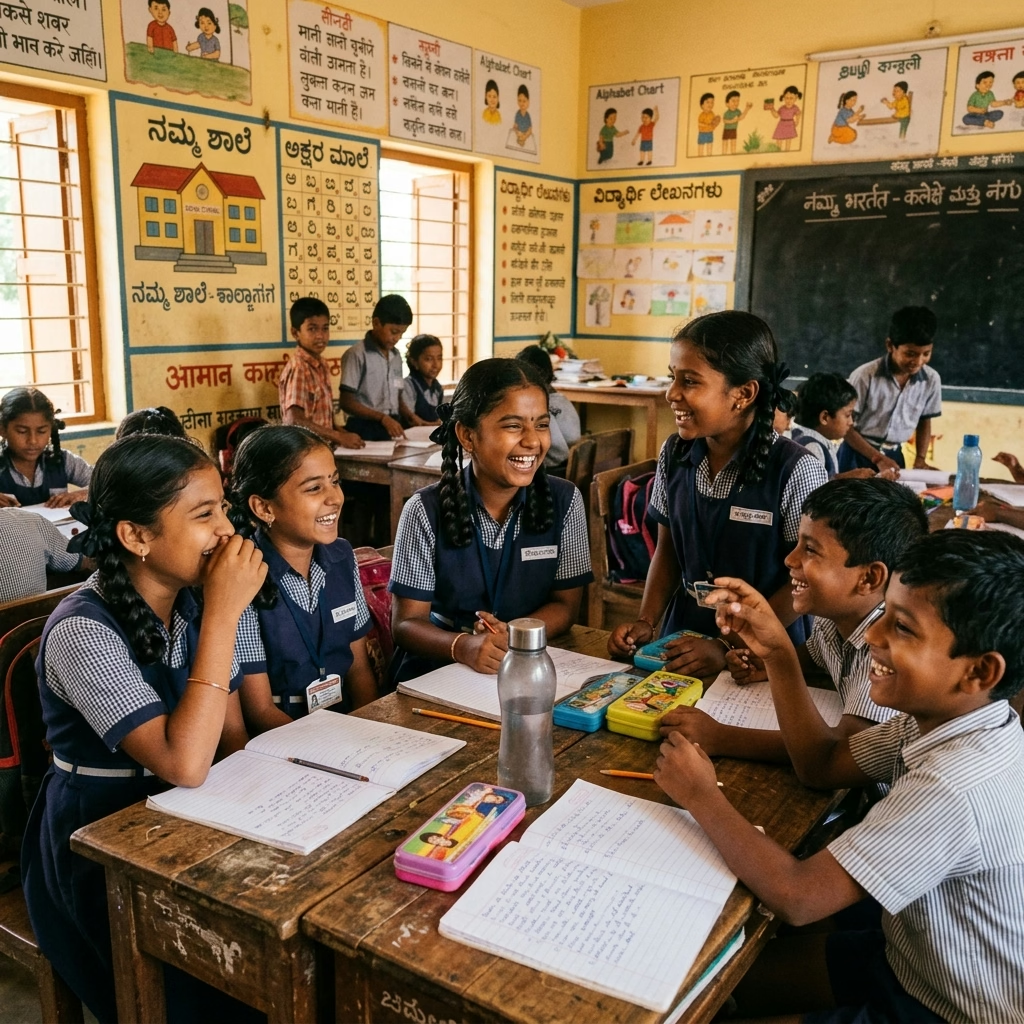
Modern education policies place significant emphasis on teaching children in their native language during their early schooling years. To support this policy, the Ministry of Education tracks the linguistic demographics of every enrolled student in India. In the UDISE Plus Student Database Management System (SDMS), the department requires schools to record a specific language code for each student. This field is located in the General Profile (GP) section of the student profile and is mandatory for completing the yearly data entry cycle.
For data entry operators and school headmasters, selecting the correct code is vital. The aggregate language data helps the government determine where to distribute bilingual textbooks and allocate specialized teachers. For example, if a block shows a high concentration of children whose native language is Urdu, Telugu, or Santhali, the department uses this data to fund local language programs. Failing to record this information accurately or leaving the field at default values can result in your school missing out on free regional language textbooks and local academic grants.
Entering this data can sometimes feel confusing because of the sheer number of languages and dialects spoken across different states. UDISE Plus uses a comprehensive list of three-digit codes designed to capture both major regional languages and localized dialects. In this comprehensive guide, we will break down the official codes, discuss the specific mappings for different states, and outline the exact steps you need to follow to complete this section without errors.
- Field Location: You can find the Mother Tongue field in the Student General Profile (GP) section (Form 4.1.1).
- Data Validation: The system will not allow you to save the GP form or unlock the Enrollment Profile (EP) if the mother tongue field is left blank.
- Resource Allocation: The government determines language-specific school aids, translation guides, and minority grants using this field.
Official Mother Tongue Codes List in UDISE Plus SDMS
The UDISE Plus portal features a dropdown menu containing over two hundred language codes. These codes cover the twenty-two languages listed in the Eighth Schedule of the Constitution of India, as well as dozens of regional dialects, tribal languages, and minor languages. The system uses three-digit identifiers to make data entry uniform across all states and Union Territories.
Let us look at the primary language codes that operators use most frequently across India:
| UDISE Code | Language Name | Primary Speaking Regions | Type of Language |
|---|---|---|---|
| 006 | Hindi | North & Central India (UP, MP, Bihar, Rajasthan) | Scheduled Language |
| 022 | Telugu | Andhra Pradesh, Telangana, Yanam | Scheduled Classical Language |
| 024 | Urdu | Uttar Pradesh, Telangana, Bihar, J&K | Scheduled Language |
| 013 | Marathi | Maharashtra, Goa, Belagavi | Scheduled Language |
| 005 | Gujarati | Gujarat, Daman & Diu, Dadra & Nagar Haveli | Scheduled Language |
| 008 | Kannada | Karnataka, Border areas of Maharashtra & Kerala | Scheduled Classical Language |
| 021 | Tamil | Tamil Nadu, Puducherry | Scheduled Classical Language |
| 011 | Malayalam | Kerala, Lakshadweep, Mahe | Scheduled Classical Language |
| 015 | Odia | Odisha, Border areas of Jharkhand & Bengal | Scheduled Classical Language |
| 002 | Bengali | West Bengal, Tripura, Assam, A&N Islands | Scheduled Language |
| 016 | Punjabi | Punjab, Haryana, Delhi, Himachal | Scheduled Language |
| 232 | Santhali | Jharkhand, Odisha, West Bengal | Scheduled Tribal Language |
When you perform data entry, always consult the student's admission form or school admission register first. Select the code that matches the family's primary language of communication. If the parent has listed a regional dialect that does not have an independent code, you must select the parent regional language. For example, dialects like Bhojpuri or Maithili have their own secondary codes, but if a minor local dialect is missing, mapping it to the primary state language is the standard administrative practice recommended by Block Resource Coordinators (BRCs).
Regional Mappings: Mother Tongue of Andhra Pradesh and Uttar Pradesh
Linguistic mapping becomes very interesting when we look at specific states. Let us focus first on the southern state of Andhra Pradesh and the northern state of Uttar Pradesh, both of which have massive educational networks and highly diverse student populations.
When managing entries for the mother tongue of andhra pradesh, the primary language you will map is Telugu (Code 022). Telugu is the official state language and the native tongue for the vast majority of students in the region. However, Andhra Pradesh also has a significant Urdu-speaking population, particularly in districts like Kurnool, Kadapa, and Anantapur. For these students, you must enter Urdu (Code 024) to ensure the school receives appropriate minority language grants and books. Additionally, the border districts sharing boundaries with Odisha, Karnataka, and Tamil Nadu often have students speaking Odia (Code 015), Kannada (Code 008), or Tamil (Code 021). You must record these codes accurately in the portal so the district administration can track border-area linguistic requirements.
In contrast, when mapping the mother tongue of uttar pradesh, the dominant code is Hindi (Code 006). Uttar Pradesh has the largest student enrollment in India, and the majority of rural and urban schools use Hindi as their medium of instruction. However, the state is linguistically rich with several regional variations. While Hindi is the standard, many families speak regional dialects like Bhojpuri (Code 045), Awadhi (Code 044), or Urdu (Code 024). Many data entry operators make the mistake of classifying every student under Code 006 (Hindi) to finish their work quickly. This practice is incorrect. You must record Urdu or specific dialects if the parents have declared them in the admission forms. This is particularly important for Urdu-medium government primary schools located in districts like Bijnor, Moradabad, and Rampur, where the correct language code directly determines the allocation of bilingual textbooks.
Central and Western India Mappings: Rajasthan, Madhya Pradesh, Chhattisgarh, and Jharkhand
Entering data for states in central, western, and eastern tribal belts requires special attention. These regions contain large numbers of tribal communities and localized languages, making the standard state-level defaults insufficient for detailed demographic tracking.
Let us look at the specific language mappings for these states:
- Rajasthan Mother Tongue: In western India, the primary language is represented by the rajasthan mother tongue entry parameters. While the official state language is Hindi (Code 006), the local populations speak Marwari (Code 073) and Mewari or Harauti in their daily lives. If a student\'s parents have specified Marwari or Rajasthani as the native tongue in the admission register, you should avoid the generic Hindi code and choose the specific Rajasthani/Marwari codes. This helps the education department monitor the progress of regional language teaching initiatives under the National Education Policy.
- Madhya Pradesh Mother Tongue: For the central state, the madhya pradesh mother tongue parameters primarily fall under Hindi (Code 006). However, Madhya Pradesh has a large tribal population in districts like Jhabua, Dhar, and Mandla. In these areas, children speak tribal languages such as Bhili (Code 104), Gondi (Code 122), or Korku. Entering Bhili or Gondi codes for these children is essential. It enables the tribal welfare department to organize special bridging classes that help children transition from their native tribal tongue to standard Hindi.
- Chhattisgarh Mother Tongue: The state of Chhattisgarh has a unique linguistic landscape. While Hindi is widely used, the chhattisgarh mother tongue is heavily dominated by Chhattisgarhi (Code 046) in the plains, and Halbi or Sargujia in the tribal belts of Bastar and Surguja. Recording Chhattisgarhi (Code 046) instead of standard Hindi (Code 006) helps the state education department plan local language curriculum enhancements and distribute Chhattisgarhi primers for primary classes.
- Jharkhand Mother Tongue: In the eastern region, mapping the jharkhand mother tongue requires careful examination. Jharkhand is home to several major tribal languages. While Hindi (Code 006) and Urdu (Code 024) are common, a massive proportion of students speak Santhali (Code 232), Kurukh/Oraon (Code 124), Mundari (Code 133), or Ho. Entering Santhali or Mundari codes for tribal students ensures they receive textbooks in the Ol Chiki script or other native scripts, which the government prints and distributes to promote tribal literacy.
Let us summarize the recommended language codes for these four states in a clear reference table:
| State Name | Primary State Language | Common Dialects / Tribal Tongues | UDISE Codes to Use |
|---|---|---|---|
| Rajasthan | Hindi (006) | Marwari, Rajasthani, Wagdi | Marwari (073), Rajasthani (078) |
| Madhya Pradesh | Hindi (006) | Bhili, Gondi, Korku, Bundelkhandi | Bhili (104), Gondi (122), Korku (126) |
| Chhattisgarh | Hindi (006) | Chhattisgarhi, Halbi, Gondi, Kudukh | Chhattisgarhi (046), Gondi (122) |
| Jharkhand | Hindi (006) | Santhali, Kurukh, Mundari, Khortha, Nagpuri | Santhali (232), Kurukh (124), Mundari (133) |
Step-by-Step Data Entry Process for Mapping Mother Tongues
To ensure that your school's language mapping is flawless, you must follow a structured approach. Rushing through the dropdown lists or copying last year's records without verification will lead to reporting errors that are difficult to correct once the database is frozen. Follow this step-by-step process during your data entry sessions:
- Gather Official Records: Collect the physical admission forms (specifically the student admission register or Scholar Register) for all new students. Locate the field where parents have specified the child's native language.
- Log In to the SDMS Portal: Navigate to the official UDISE Plus portal (udiseplus.gov.in) and enter your school's unique credentials. Access the Student Module and select the current academic year.
- Locate the Student: In the student list, find the student whose record you want to update. Click on the "General Profile (GP)" link next to their name to open the identity details form.
- Scroll to the Language Section: Scroll down to the field labeled "Mother Tongue of the Student" (typically field number 4.1.13 or similar).
- Select the Correct Code: Click the dropdown menu. Instead of scrolling randomly, start typing the first few letters of the language (e.g., type "Tel" for Telugu or "San" for Santhali) to jump directly to the target entry. Select the correct code.
- Save and Verify: Click the "Save" or "Update" button at the bottom of the GP form. The system will save the record and display a green confirmation message. You can now safely proceed to the Enrollment Profile (EP).
By executing these steps with care, you maintain the integrity of the national educational database. Accurate language data enables policy makers to plan classrooms that respect local cultures, ensuring that every child gets the opportunity to learn in their own native tongue.
Udise Plus Student (SDMS) Login Module (State Wise)
❓ Frequently Asked Questions (FAQs)
Here are the most common questions people ask about UDISE Plus Student Mother Tongue Codes: Complete Guide & State Mappings.
✅ Conclusion
Mapping student mother tongue codes in the UDISE Plus database is more than just a routine administrative step. By choosing the correct code for the mother tongue of Andhra Pradesh, the mother tongue of Uttar Pradesh, or the regional languages of Rajasthan, Jharkhand, Chhattisgarh, and Madhya Pradesh, you directly impact national language policy and educational resource allocations. Accurate data entry ensures that the government can plan bilingual education materials and allocate minority language teachers efficiently. Always double-check your school records against the official code list, avoid leaving the field set to default, and consult your local BRC block office if you encounter an undocumented dialect in your district.
