Assam SDMS & Teacher Transfer Management System (TTMS) Guide: Step-by-Step Portal Tutorial
📋 Table of Contents (click to collapse)
- Overview of Assam Student Database Management System (SDMS)
- The Teacher Transfer Management System (TTMS) in Assam
- Step-by-Step Guide to Login and Register on Assam TTMS
- How to Apply for Mutual and Single Transfers Online
- Checklist of Documents Required for Assam Teacher Transfers
- Managing Student Profiles and SDMS Data Integration
- Frequently Asked Questions (FAQs)
Overview of Assam Student Database Management System (SDMS)
The Department of School Education in Assam has introduced robust digital platforms to streamline administrative records. A key component of this digitization is the Assam Student Database Management System (SDMS), which operates alongside the national UDISE+ database. This system tracks the enrollment, attendance, performance, and basic demography of millions of students studying in government, provincialized, and private schools across Assam. By utilizing the sdms assam platform, the state can monitor student migration, manage government schemes like mid-day meals and textbooks, and prevent duplicate student listings effectively.
Before the implementation of the online SDMS, school headmasters had to submit voluminous paper records to their respective blocks. This manual system led to significant delays and statistical discrepancies, which in turn delayed the disbursement of student benefits. With the online portal, every school receives a dedicated control panel. School coordinators can update admission records, mark student promotions, and verify Aadhaar linkage details directly online, allowing the government to allocate educational resources based on accurate, real-time figures.
Crucially, the SDMS links directly to the teacher database. When a school updates its enrollment numbers on the portal, the system automatically checks the pupil-teacher ratio (PTR). This data helps the education department identify schools that have excess teachers or face severe staff shortages. Understanding how to manage student profiles on the SDMS is therefore the foundation of school administration in Assam, directly affecting the school's eligibility for development grants and teacher postings.
The Teacher Transfer Management System (TTMS) in Assam
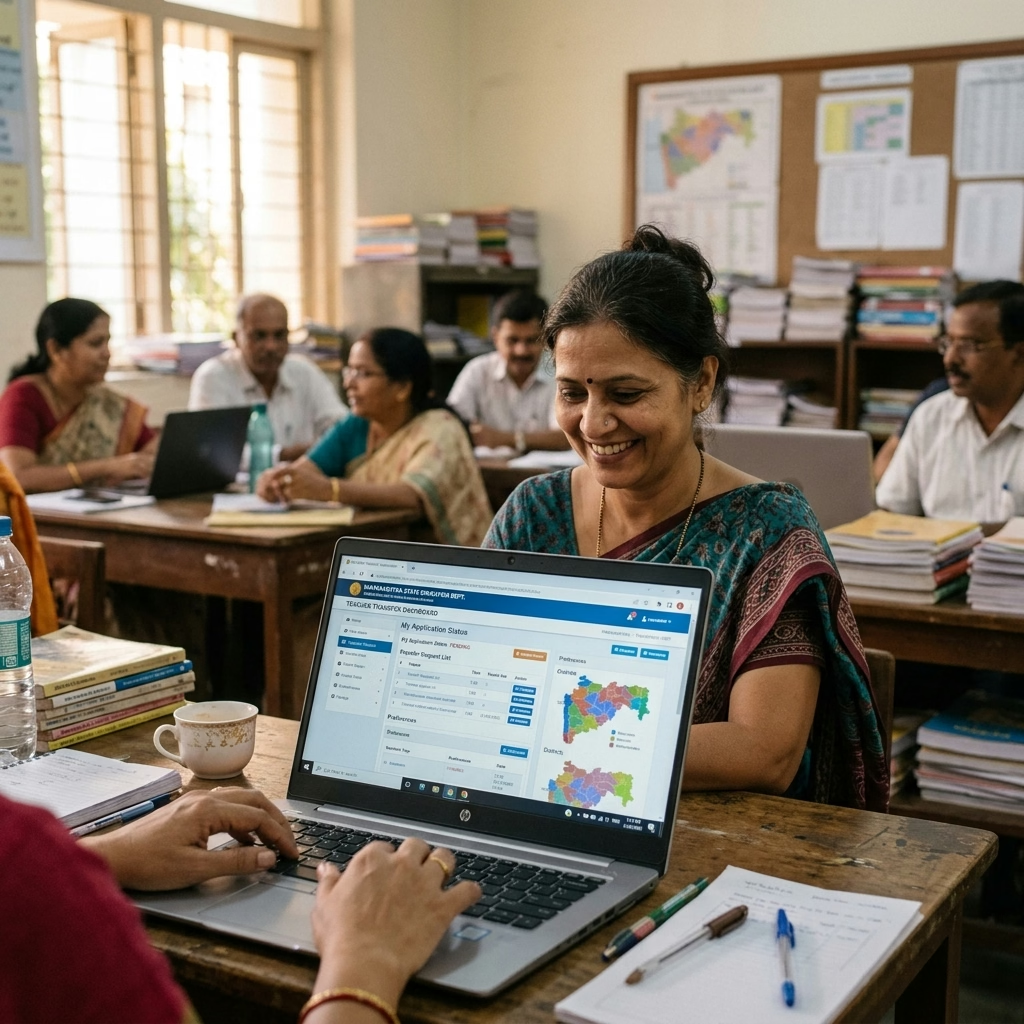
For years, managing teacher postings across the vast districts of Assam was a complex challenge. Teachers often struggled to secure transfers from remote regions to their home districts, often facing bureaucratic delays. To resolve this, the Assam government launched the Teacher Transfer Management System Assam. This digital HR platform manages the posting, promotion, and transfers of all elementary, secondary, and higher secondary teachers working in provincialized and government schools throughout the state.
The primary objective of the TTMS is to ensure a balanced distribution of teaching talent, especially in rural and tea garden school blocks. The system uses a transparent, merit-based algorithm to process transfer requests. Rather than relying on manual recommendations, the portal evaluates transfer applications based on pre-defined criteria, such as:
- Service Tenure: The total number of years served in the current school, with preference given to those who have served long terms in remote areas.
- Medical Grounds: Special priority points for teachers suffering from chronic illnesses, or those with disabled dependents.
- Mutual Agreement: An automated system that matches teachers who wish to swap postings between districts or blocks.
- Gender and Age: Special safety considerations for female teachers and senior educators approaching retirement.
Step-by-Step Guide to Login and Register on Assam TTMS
If you are a teacher in Assam seeking a transfer, you must first register your profile on the Teacher Transfer Management System portal (often integrated with the HRMS Assam portal). An incomplete profile will block your transfer application, so executing the registration and login process correctly is essential. Follow this step-by-step guide to log in and register on the system:
Step 1: Open the Official HRMS/TTMS Portal
Launch your web browser and navigate to the official portal page (typically hrmsassam.in or the link provided on ssa.assam.gov.in). Check the homepage to ensure you see the Department of School Education, Government of Assam banner.
Step 2: Start the Teacher Registration Process
If you are using the portal for the first time, click the button labeled "Register/Sign Up". The portal will display a form asking for your professional identifiers. Enter your 8-digit Employee Code, your Date of Birth, and your official email address. Click "Submit" to search the database for your record.
Step 3: Verify Your OTP
The system will locate your profile and display the last three digits of your registered mobile number. Click "Send OTP". Enter the One-Time Password received on your mobile phone to verify your identity. Once verified, the portal will prompt you to set a secure password.
Step 4: Login Using Your Credentials
Return to the main page and click "Login". Select the "Teacher Login" option. Enter your Employee ID as the Username, type your new password, solve the security CAPTCHA, and click the login button to access your teacher dashboard.
Step 5: Verify and Submit Your Service Profile
Once logged in, verify your service details. Check your date of joining, current designation, and school UDISE code. If the information is correct, click "Submit Profile for Verification". If there are errors, submit a correction request to your Block Education Officer (BEO) before applying for a transfer.
| Stage | Task Description | Expected System Output |
|---|---|---|
| Step 1 | Open official HRMS/TTMS Assam portal | Loads the homepage with registration options |
| Step 2 | Enter Employee ID and Date of Birth | Retrieves your base record from the HRMS database |
| Step 3 | Verify with mobile OTP and set password | Creates your secure login credentials |
| Step 4 | Login using credentials and solve CAPTCHA | Redirects you to your personal teacher dashboard |
| Step 5 | Submit profile details for BEO approval | Locks your profile, making you eligible for transfers |
How to Apply for Mutual and Single Transfers Online
The Teacher Transfer Management System Assam portal processes two main types of voluntary transfers: Single Transfer and Mutual Transfer. Each type follows a distinct administrative path. You must understand how to prepare your application for both categories to ensure a smooth submission process.
Applying for a Single Transfer
A single transfer is a one-way request to move to a vacant post in another school. Follow these steps to apply:
- Login to your TTMS dashboard and navigate to the "Apply for Transfer" section.
- Select "Single Transfer" from the application type dropdown menu.
- Choose your preferred districts (up to three options) and specify the block or school category you prefer.
- State your reason for transfer (e.g., medical grounds, spouse posting, separation from family).
- Upload the required supporting documents, such as medical certificates or spouse employment proofs, in PDF format.
- Review your application and click "Submit Application". The system will forward your request to the District Education Officer (DEO) for verification.
Applying for a Mutual Transfer
A mutual transfer allows two teachers of the same category and subject to swap their postings. Follow these steps to submit a mutual request:
- Ensure that both you and your partner teacher have registered and verified your profiles on the TTMS portal.
- On your dashboard, select the "Mutual Transfer Application" option.
- Enter the Employee ID of your partner teacher. The system will automatically retrieve their profile and current school details.
- Verify that the details match. The partner teacher must then log in to their own dashboard and click "Accept Mutual Request" to confirm the swap.
- Once both teachers have confirmed the request, download the mutual consent form, sign it, and upload the scanned copy back to the portal.
- Click submit to forward the application to the District MIS Coordinator for final verification.
Checklist of Documents Required for Assam Teacher Transfers
To prevent delays or application rejection on the teacher transfer management system assam portal, you must compile and scan all required documents beforehand. The system requires clear PDF copies of these documents to verify your eligibility. Refer to the checklist below to prepare your files:
1. Base Appointment Order
Upload a clear copy of your original appointment letter issued by the Director of Elementary or Secondary Education. This document verifies your date of entry into government service and your initial posting designation.
2. Service Book Pages
Scan and upload the first page of your service book (containing your personal details and signature) along with the pages showing your latest posting details, promotions, and leaves status. Ensure the school headmaster has signed and stamped these pages.
3. School Management Committee (SMC) NOC
You must obtain a No Objection Certificate (NOC) from your current School Management Committee (for elementary schools) or School Governing Body (for secondary schools). This certificate confirms that the school has no objection to your transfer and that your departure will not disrupt students' education.
4. Special Grounds Support (Medical / Spouse)
If you are applying under special grounds, prepare the following certificates:
- Medical Grounds: A medical certificate issued by a government medical board or civil surgeon, specifying the nature of the illness and verifying that you require treatment in the requested area.
- Spouse Posting: A service certificate from your spouse's employer, along with their official location address, to support your request for family reunification.
| Document Category | Required Format | Max File Size | Verification Authority |
|---|---|---|---|
| Appointment Order | PDF (Black & White) | 500 KB | BEO / DI |
| Service Book Pages | PDF (Color Scan) | 1 MB | DEO Office |
| SMC No Objection Certificate | PDF (Signed & Stamped) | 300 KB | Block Coordinator |
| Medical / Spouse Certificate | PDF (Official Board Issue) | 500 KB | State Verification Committee |
Managing Student Profiles and SDMS Data Integration
A successful teacher transfer application depends on maintaining a clean administrative record at your current school. The Department of School Education in Assam checks the school's data compliance status before approving any transfers. If your school has pending profiles on the sdms assam portal, the system may put your transfer request on hold.
As a class teacher or school administrator, you must ensure that all student profiles in your assigned classes are completed and certified. Follow these guidelines to maintain data compliance:
- Annual Promotions: Complete all student promotions from the previous academic year on the SDMS portal before the transfer application window opens.
- Aadhaar Linkage: Verify that at least 90% of your enrolled students have active Aadhaar linkage on the database, as this directly affects the school's grant allocations.
- Drop Box Management: Clear any students remaining in your school's online "Drop Box" (students who left without a formal transfer certificate) by updating their status to "Dropout" or "Migrated" in the student module.
- WASH & Profile Facilities: Ensure the school profile matches the actual physical infrastructure, as mismatched student-to-classroom ratios will trigger flags in the district MIS system.
Udise Plus Student (SDMS) Login Module (State Wise)
❓ Frequently Asked Questions (FAQs)
Here are the most common questions people ask about Assam SDMS & Teacher Transfer Management System (TTMS) Guide: Step-by-Step Portal Tutorial.
✅ Conclusion
The Assam Student Database Management System (SDMS) and Teacher Transfer Management System (TTMS) have brought unprecedented structure and clarity to the state's educational administration. By digitizing student data entries and removing middlemen from the teacher transfer process, the Department of School Education in Assam has optimized how resources are distributed. Whether you are updating student profiles or seeking a transfer to your home district, using the portal correctly ensures your request is processed without delay. Always verify your entries, coordinate with your school management committee, and keep a close eye on official notification timelines.
