How to Finalize and Lock the School Directory in UDISE Plus (Academic Year Guide)
📋 Table of Contents (click to collapse)
- Why the Annual Lock and Finalize Cycle Exists
- Data Submission Deadline: Understanding the Cycle Timeline
- Pre-Lock Checklist: Before You Finalize UDISE Plus School Directory Data
- Step-by-Step: How to Finalize UDISE Plus School Directory Data
- What Happens After DCF Finalization
- What to Do If You Need a Correction After Locking
- Coordinating Across Modules Before You Finalize
- Common Mistakes to Avoid
- Cycle Milestones at a Glance
- Conclusion
- Frequently Asked Questions (FAQs)
Every academic year builds toward one irreversible moment: the point where the entire national dataset closes for edits and becomes the official record used for planning, funding, and policy decisions. Learning how to finalize UDISE Plus school directory data properly, and understanding exactly what it means to lock school directory UDISE Plus records, is essential for any school administrator who does not want to be scrambling in the final week of the cycle. This guide covers why the annual lock exists, your pre-lock checklist, the step-by-step finalize process, and what happens if you discover an error after the directory has already closed.
The exact timing and screen flow of the annual finalize and lock cycle are set by the Ministry each year, so confirm current dates and button labels on the live portal rather than relying on a fixed calendar.
By the end, you will know how to prepare your school's data for this cycle and how to respond if a correction is needed after the lock takes effect.
Why the Annual Lock and Finalize Cycle Exists
The school directory module underpins nearly every downstream use of UDISE+ data — from Samagra Shiksha grant calculations to state and national planning reports. If schools could edit their data indefinitely throughout the year, officials would never have a stable, trustworthy snapshot to base decisions on. The annual data cycle solves this by giving every school a defined window to enter, verify, and certify data, followed by a hard lock that freezes the dataset for that academic year.
Think of it as similar to closing the books at the end of a financial year — ongoing activity is normal, but at some point, the numbers need to be finalized so everyone downstream is working from the same trusted figures. When you finalize UDISE Plus school directory data, you are effectively signing off on your school's contribution to that year's national snapshot.
[Internal link: how certification differs from the broader annual lock → How to Certify UDISE Plus School Profile and Facilities]
Data Submission Deadline: Understanding the Cycle Timeline
The data submission deadline and the actual certification deadline are related but distinct milestones within the annual cycle, and confusing them is a common source of late scrambling.
Typical Cycle Stages
- Data collection window opens — schools begin entering fresh data for the new academic year across School Profile, Facilities, Teacher, and Student modules.
- Data submission deadline — the point by which schools should have entered all relevant data, though this is not necessarily the same as certification.
- Certification deadline — the point by which schools must certify their entered data as accurate and final.
- Directory finalization and lock — after certification deadlines pass and district/state review completes, the entire school directory locks for that academic year.
[VERIFY: current academic-year dates for each stage of this cycle]
A common mistake schools make is treating the data submission deadline as the final word and relaxing, only to discover the certification deadline arriving separately with unfinished review work still pending.
Pre-Lock Checklist: Before You Finalize UDISE Plus School Directory Data
Run through this checklist well before the lock window approaches, not the day before.
Data Completeness Checks
- Confirm every module — School Profile, Facilities, Teacher, and Student — shows complete, certified data rather than partial entries.
- Cross-check enrollment, teacher, and facility counts across modules for internal consistency, since mismatches are a common cause of rejected finalization.
- Resolve any outstanding validation errors, duplicate flags, or pending Aadhaar verifications before attempting to finalize.
- Verify all mid-year changes — new admissions, staff transfers, facility updates — have been reflected, not left for "next cycle."
Administrative Checks
- Confirm the head of institution has reviewed and approved the full DCF summary.
- Check whether your state requires Block or District sign-off before the school-level directory can move toward finalization.
- Save copies of all certification confirmation receipts generated during the cycle, since these serve as your record if a dispute arises later.
[Internal link: fixing errors before they block finalization → Common UDISE Plus Data Entry Errors (and How to Fix Them)]
Step-by-Step: How to Finalize UDISE Plus School Directory Data
Once your checklist is clear, the finalize process itself is usually short.
Finalization Steps
- Log in through the "Login for All Modules" gateway and navigate to the School Profile or school directory module.
- Open the full-cycle summary screen, which typically consolidates status across all modules.
- Confirm every section shows a certified status; any incomplete section will usually block finalization.
- Locate the finalize or directory-lock confirmation option, often distinct from the earlier module-level certification buttons.
- Read the finalization declaration carefully, since this step is generally understood as the point of no return for the academic-year cycle.
- Confirm and submit, then save the finalization confirmation for your school's records.
What "Lock School Directory UDISE Plus" Actually Means for Your School
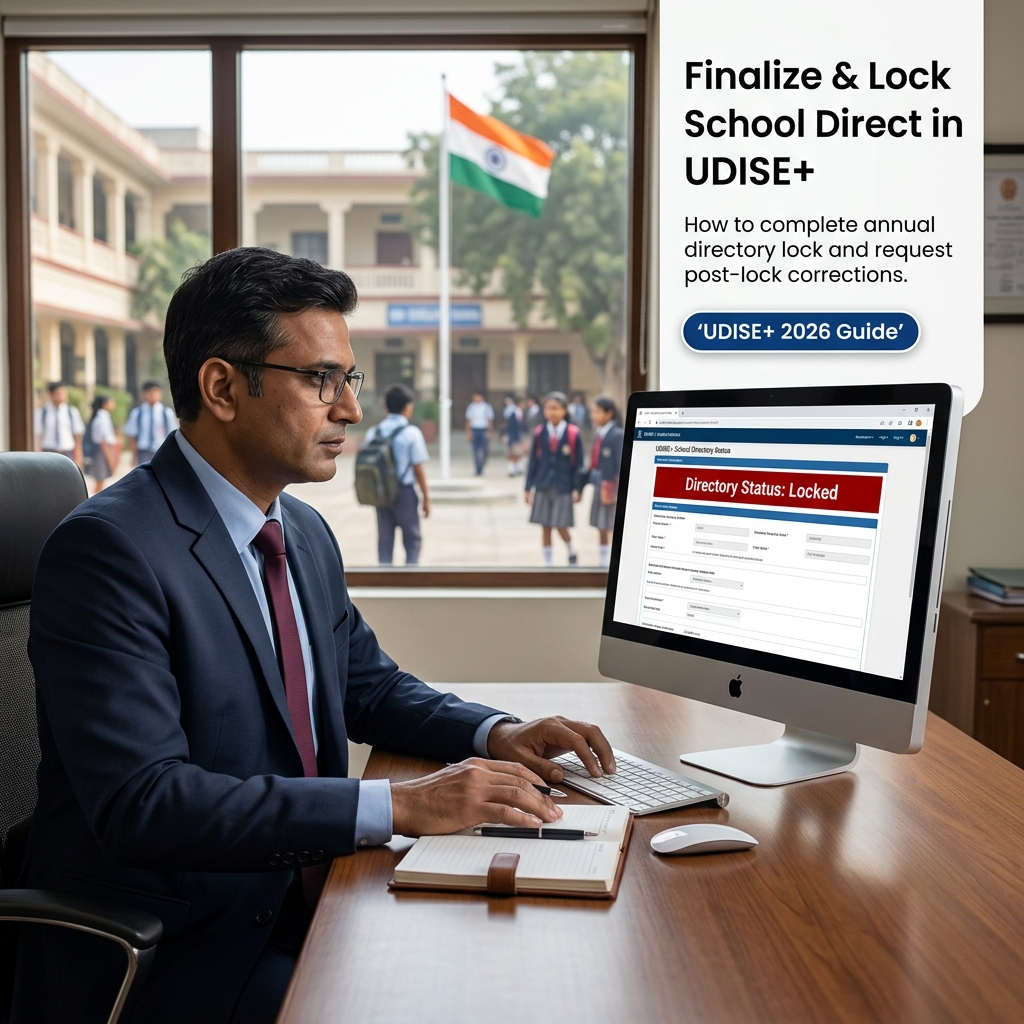
Once the lock takes effect, your school's data for that academic year becomes read-only across the system. This is distinct from module-level certification locks — the directory lock is a system-wide event affecting all schools simultaneously once the cycle closes, whereas certification locks apply to your school individually as soon as you submit.
What Happens After DCF Finalization
DCF finalization triggers a series of downstream processes that extend well beyond your own school's dashboard.
The Post-Finalization Sequence
- District consolidation — district officials compile finalized data across all schools into official reports.
- State-level aggregation — state education departments use consolidated district data for state planning and budget submissions.
- National dataset publication — the Ministry incorporates finalized data into the national UDISE+ dataset used for policy research and funding formulas.
- Grant cycle alignment — Samagra Shiksha and related scheme allocations for the following period draw on this finalized snapshot.
[Internal link: the national picture this data feeds into → What Is UDISE Plus? Purpose and Benefits of India's National School Information System]
What to Do If You Need a Correction After Locking
Discovering an error after the directory locks is stressful but manageable if you follow the correct escalation path rather than attempting a workaround.
Correction Request Steps
- Document the specific error clearly — which field, which module, and what the correct value should be, supported by source records.
- Contact your Block Education Officer or Block Resource Centre first, since most correction requests route through this level initially.
- Escalate to the District MIS coordinator if the block-level office confirms the correction needs district or state approval.
- Be prepared for this process to take considerably longer than a pre-lock edit, since it often requires exception approval outside the normal workflow.
- Once approved, confirm the correction was applied correctly by reviewing the record again rather than assuming it went through.
A school administrator in a rural block once discovered a transposed digit in their enrollment figure only after the directory had locked for the year, and the correction took several weeks to process through the district office — a stark contrast to the minutes it would have taken during the certification window. This gap is exactly why the pre-lock checklist matters so much.
Coordinating Across Modules Before You Finalize
Because the school directory module consolidates status from School Profile, Facilities, Teacher, and Student data, a delay in any single module can hold up your ability to finalize UDISE Plus school directory records for the entire school. Schools sometimes assume finalization is purely a School Profile task and are caught off guard when an unresolved Teacher Module Aadhaar flag or an incomplete SDMS promotion batch blocks the final step.
A Practical Cross-Module Coordination Routine
- Assign one staff member as the overall coordinator for the finalization cycle, even if different people handle Teacher, Student, and Facilities data day-to-day.
- Two to three weeks before the anticipated certification deadline, request a status update from whoever manages each module rather than assuming everything is on track.
- Resolve any lagging module first — an incomplete Teacher Module or SDMS section is often the true bottleneck, not the School Profile summary itself.
- Only attempt the final "lock school directory UDISE Plus" step once every contributing module independently shows a certified, complete status.
This coordination matters more in larger schools where responsibilities are split across multiple staff members, since the finalize step effectively depends on the slowest-moving module. A single missed Teacher Aadhaar verification or an unresolved SDMS duplicate can delay the entire school's directory finalization by days, even if every other section was ready well in advance.
[Internal link: coordinating Teacher Module readiness before finalization → UDISE Plus Teacher Module: Complete Guide to Login, Update, and Certify]
Common Mistakes to Avoid
- Confusing the data submission deadline with the certification deadline, leading to unfinished review work discovered too late.
- Leaving mid-year changes unreflected, assuming they can be added "next cycle" once the directory has already locked.
- Skipping the head-of-institution review before finalizing, missing errors that a fresh set of eyes would have caught.
- Assuming finalization is reversible the same way routine edits are, when it is generally treated as a hard lock for the cycle.
- Not saving finalization confirmation records, making it harder to prove submission timing if a dispute arises.
- Waiting until the deadline week to start the pre-lock checklist, compressing weeks of review into days.
Cycle Milestones at a Glance
| Milestone | What Happens | Editable After? |
|---|---|---|
| Data submission deadline | All relevant data should be entered | Yes, until certification |
| Certification deadline | Head of institution confirms accuracy per module | Locked per module, correction request needed |
| Finalize / lock school directory UDISE Plus | Entire directory closes system-wide for the cycle | Locked, formal correction process only |
| Post-lock correction window (if available) | Limited exception period in some states | Case-by-case, requires approval |
Conclusion
Successfully learning how to finalize UDISE Plus school directory data comes down to disciplined preparation well before the deadline, not a last-minute scramble when the lock window approaches. Run your pre-lock checklist early, resolve every validation and duplicate flag, and get head-of-institution sign-off before you attempt to lock school directory UDISE Plus records for the year. If your school's academic-year data is still incomplete, start working through the checklist in this article today rather than waiting for the deadline to force the issue.
[VERIFY: current academic-year finalization and lock dates]
---
Udise Plus Student (SDMS) Login Module (State Wise)
❓ Frequently Asked Questions (FAQs)
Here are the most common questions people ask about How to Finalize and Lock the School Directory in UDISE Plus (Academic Year Guide).
✅ Conclusion
Keeping your school and employee data updated on the UDISE+ platform ensures compliance with government mandates, saves valuable time during audit cycles, and facilitates seamless transfers.