UDISE Plus 2026-27: Comprehensive Guide to School, Teacher & Student Modules
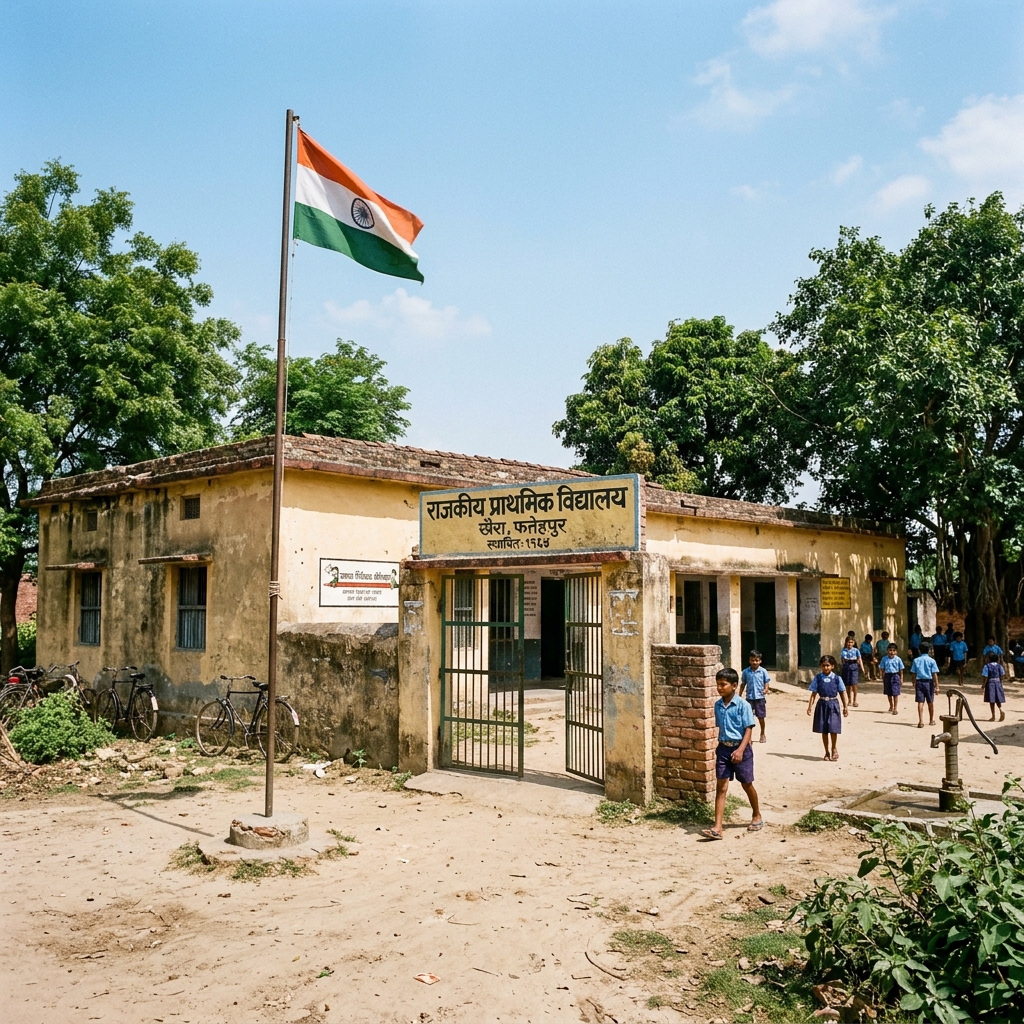
📋 Table of Contents (click to collapse)
- Introduction to the UDISE Plus Ecosystem
- Historical Evolution of School Education Databases in India
- Core Modules of the UDISE Plus Portal Explained
- Step-by-Step Guide to Data Entry and Portal Verification
- How UDISE Plus Shapes National Educational Planning
- Troubleshooting Common Portal Access & Validation Blocks
- Frequently Asked Questions (FAQs)
Introduction to the UDISE Plus Ecosystem
The Department of School Education and Literacy, Ministry of Education, Government of India, manages one of the largest school education databases in the world: the udise plus portal. This centralized digital database acts as the single source of truth for millions of academic institutions, educators, and students across India. School administrators, block resource coordinators, and state coordinators interact with this portal annually to report core educational indicators. By compiling this information, the portal provides a real-time, comprehensive assessment of the Indian education infrastructure, helping policy-makers formulate evidence-based development schemes.

In the modern digital era, the udise plus system streamlines administrative tasks, replacing the outdated paper-based reporting systems that historically slowed down resource distribution. Today, the portal hosts dedicated modules to capture granular details. School heads input facility records, physical resources, details of teaching staff, and individual student profiles. This centralized data collection helps the government identify under-resourced schools, track pupil dropout rates, evaluate teacher availability, and monitor educational progress across remote regions.
The application of this national database goes far beyond mere record-keeping. The system directly influences the allocation of central government funds, such as the Samagra Shiksha grants, free textbook distributions, and the PM POSHAN mid-day meal scheme. Every school principal, MIS coordinator, and data entry operator must understand the operational structure of the portal to ensure error-free data submission. This comprehensive guide details the core functionalities of the portal, explaining how to execute entries across the school, teacher, and student modules, and resolve common system validation blocks.
Historical Evolution of School Education Databases in India
To appreciate the utility of the modern udise plus platform, one must examine the evolution of educational data collection in India. Historically, data collection was highly fragmented. The government relied on the District Information System for Education (DISE) for primary education, which began under the District Primary Education Programme (DPEP) in 1995. Later, the government launched the Secondary Education Management Information System (SEMIS) in 2007-08 to map secondary school statistics. These separate platforms created massive data gaps, duplicate school profiles, and delayed report generation.
Recognizing the need for a unified platform, the Ministry of Education integrated DISE and SEMIS into a single system called UDISE in 2012-13. While UDISE brought all levels of school education under one roof, the data collection process remained manual. Schools filled out physical forms called the Data Capture Format (DCF) on paper, which block resource centers then collected and manually typed into local computers. This offline data entry model led to typos, delayed validation, and data lag, where reports reflected statistics that were often one or two years old.
In 2018-19, the Ministry migrated the entire system to a cloud-based web application, launching the modernized udise plus portal. This web application allows schools to enter their data directly online, introducing real-time validation checks, instant error reporting, and dynamic dashboard reports. Over the years, the system has shifted its focus from consolidated school-level statistics to individual student tracking. With the integration of the Permanent Education Number (PEN) and APAAR ID, the database now monitors every child's progress, showing the true transformation of educational administration in India.
Core Modules of the UDISE Plus Portal Explained
The udise plus portal divides its operations into three primary, interconnected modules. This modular structure allows different school coordinators to enter data simultaneously, speeds up page load times, and prevents system crashes during peak traffic seasons. Understanding what each module captures is vital for managing annual submissions.
1. School Profile & Physical Facilities Module
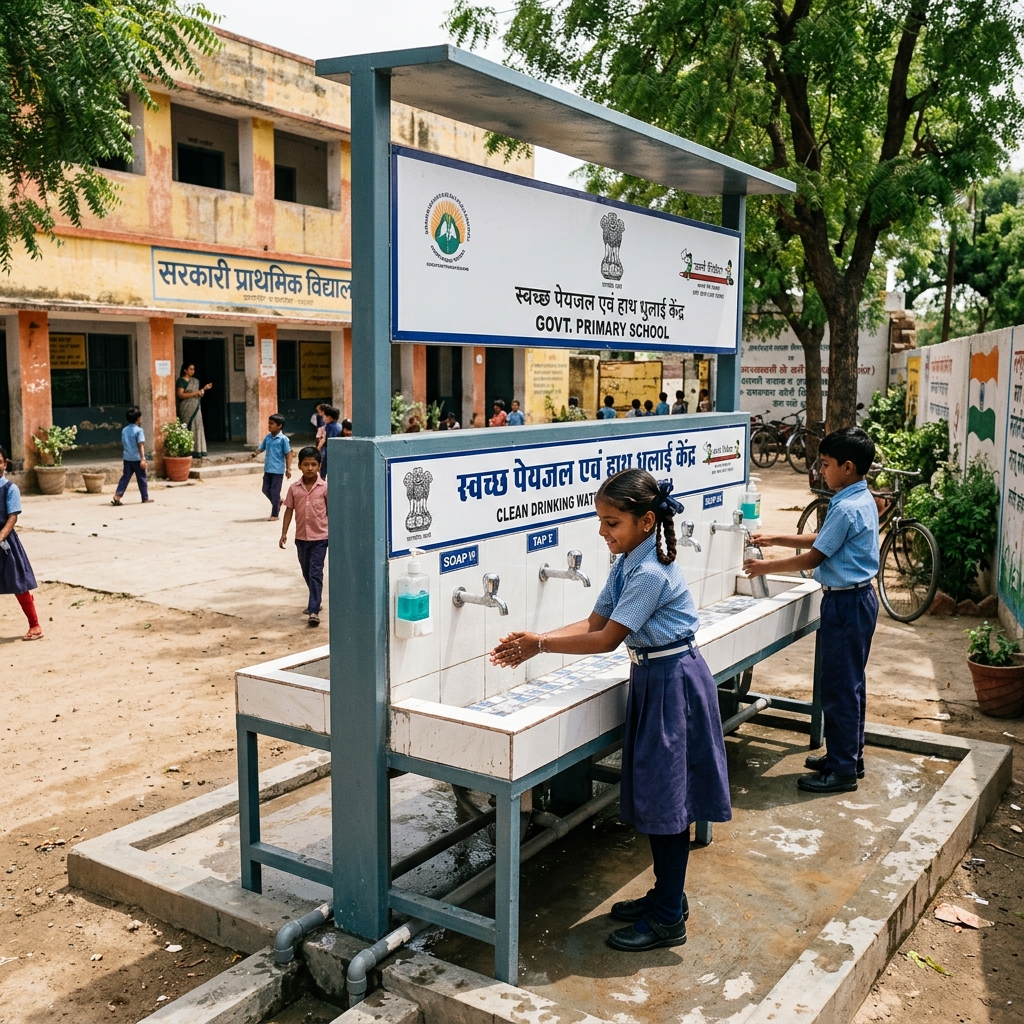
This module focuses on the identity, management, and physical resources of the institution. School coordinators record basic directory information, such as the school location, administrative type (Government, Private Aided, or Private Unaided), primary medium of instruction, and board affiliations. Additionally, they document the physical infrastructure, including the number of functional classrooms, boundary walls, drinking water sources, playground availability, smart boards, and internet speed. This data determines the school's eligibility for infrastructure maintenance grants.
2. Teacher Information Module
The Teacher Module acts as a central registry for the teaching and non-teaching staff. It tracks every teacher's personal profile, academic qualifications, joining date, teaching subjects, and training logs. To prevent duplicate teacher registrations across multiple schools, the portal requires the input of a unique Teacher National Code (PEN). Under the National Education Policy (NEP 2020), this module also logs teacher training hours spent on digital tools, safety protocols, and inclusive pedagogy, highlighting the focus on quality instruction.

3. Student Database Management System (SDMS)
The SDMS is the largest and most detailed section of the udise plus portal. Instead of submitting bulk student counts, class teachers must register every student individually. The student profile is split into three forms:
- General Profile (GP): Demographics, including parent details, Aadhaar number, mother tongue, and social category.
- Enrollment Profile (EP): Academic details, including admission number, admission date, roll number, and class section.
- Student Facilities (SF): Material benefits received by the student, such as free uniforms, textbooks, bicycles, and scholarships.
Step-by-Step Guide to Data Entry and Portal Verification
Completing the annual data entry successfully requires a systematic, organized workflow. School heads should follow this process to minimize validation errors and complete submissions on time:
Step 1: Download the Offline Data Capture Format (DCF)
Before logging onto the web portal, the school head must download the latest blank DCF templates from the official udise plus resources page. Printing the forms and distributing the relevant sections to class teachers, the IT coordinator, and the accountant allows the school to collect accurate physical data first. Verifying the physical records against admission registers reduces errors before typing begins.
Step 2: Access the Login Panels
Navigate to the official portal homepage. The login dashboard lists separate access links for each module. The school operator enters the 11-digit UDISE code, the registered password, and the captcha code. If the school operator forgets the password, they can click the "Forgot Password" link to receive reset credentials on the registered mobile number via SMS immediately.
Step 3: Perform Data Entry and Validate Aadhaar
Input the collected data page-by-page. While completing the Student Module, the portal runs a real-time validation query against the UIDAI database. The spelling of the student's name, gender, and date of birth in the UDISE profile must match their physical Aadhaar card exactly. If the portal displays a validation failure, the operator must check the Aadhaar card spelling and edit the General Profile (GP) to resolve the mismatch.

Step 4: Audit and Freeze the Data
Once all sections are complete, the portal displays a consolidated summary report. The school coordinator must review the metrics, checking for red validation marks that indicate incomplete sections. After verifying the data, click the "Freeze" button to lock the modules. This action submits the records to the block level and generates the official Digital School Certificate (DSC).
| UDISE Module Section | Key Data Fields to Enter | Primary Verification Document | Validation Authority |
|---|---|---|---|
| School Facilities | Classrooms, toilets, computers, drinking water | Physical inventory registers, building maps | CRC / BRC Coordinator |
| Teacher Roster | Qualifications, experience, training records | Staff service book, degree certificates | District Education Office |
| Student Database | Aadhaar number, roll number, categories | Admission forms, physical Aadhaar card | UIDAI API & School Head |
How UDISE Plus Shapes National Educational Planning
The data submitted to the udise plus database directly impacts the national policy landscape. The Ministry of Education uses these statistics to calculate key performance indicators that show the health of the Indian school system. For example, the Net Enrollment Ratio (NER) and Gross Enrollment Ratio (GER) show student participation at various educational levels. Policy-makers analyze these ratios to formulate targeted enrollment campaigns in districts showing high dropout rates.
Additionally, the portal helps monitor the implementation of the National Education Policy (NEP 2020) goals. The policy emphasizes the creation of the APAAR ID (One Nation One Student ID) to create a lifelong academic record. Because the APAAR ID generation relies on verified UDISE profiles, completing the student database accurately is critical. Furthermore, the portal calculates the Pupil-Teacher Ratio (PTR) for every school. If the system detects a PTR higher than the standard 30:1 ratio, the education department uses this signal to deploy additional teachers to that institution.
Finally, school infrastructure funds are allocated based on these records. If a school report shows a lack of drinking water facilities, girls' toilets, or digital computer labs, the Samagra Shiksha program utilizes this data to approve and release specific infrastructure repair grants. An inaccurate UDISE report can lead to a school losing vital funding, highlighting the high responsibility placed on school coordinators to submit truthful data.
Troubleshooting Common Portal Access & Validation Blocks
During the peak data entry season, operators frequently encounter technical glitches and validation blocks. Knowing how to resolve these issues offline saves significant administrative time:
1. Blocked Login due to Multiple Failed Attempts
If the user enters an incorrect password multiple times, the portal blocks the UDISE code for security. To resolve this, do not attempt to log in again immediately. Wait for 30 minutes for the block to lift automatically. Meanwhile, click the "Forgot Password" link, retrieve the new system-generated password via SMS, and use it to log in securely.
2. Student Profile Incomplete Error during Final Submit
During the final submission, the system may prevent the coordinator from freezing the school profile, showing a warning that student profiles are incomplete. This happens when the operator fails to complete all three forms (GP, EP, and SF) for a student. The operator must check the student list page, identify the records marked in red (incomplete), complete the missing forms, and verify that all profiles show a green "Completed" status.
3. Class-Section List is Empty
If the dropdown list does not show sections when adding a student, it means the section management configuration was skipped. Navigate to the "Section Management" section in the school dashboard. Map the number of sections for each class, define the medium of instruction, and save. The student module will immediately display the class dropdowns.
Udise Plus Student (SDMS) Login Module (State Wise)
❓ Frequently Asked Questions (FAQs)
Here are the most common questions people ask about UDISE Plus 2026-27: Comprehensive Guide to School, Teacher & Student Modules.
✅ Conclusion
The UDISE Plus database forms the foundation of educational policy and resource allocation in India. By completing school, teacher, and student modules accurately, administrators ensure compliance and unlock critical development grants. Follow the official guidelines, verify records offline, and submit data within the timelines to maintain a clean record.
