UDISE Plus 2026-27: Portal Updates, Guidelines & Data Entry Rules

📋 Table of Contents (click to collapse)
- Introduction to the UDISE Plus 2026-27 Academic Cycle
- Key Updates and New Fields in the Data Capture Format (DCF)
- APAAR ID Generation and Student Database Integration
- Aligning School Profiles with NEP 2020 Policy Standards
- Step-by-Step Guide to Freezing Modules and Generating Certificates
- Timeline Deadlines and Compliance Audit Guidelines
- Frequently Asked Questions (FAQs)
Introduction to the UDISE Plus 2026-27 Academic Cycle
The Ministry of Education, Government of India, has officially opened the database portal for the new session: the udise plus 2026-27 reporting cycle. This national database platform gathers administrative metrics from over 1.5 million schools to evaluate the progress of Indian education. Because this session integrates digital student lockers and new policy standards, school operators must update their records with high precision. The launch of the latest cycle represents a significant step in the digitization of the country's academic network.
During the current data entry cycle, school heads must upload infrastructure data, teacher directories, and student profiles. The system uses these metrics to generate report cards that determine grant distributions for local districts. Because the government relies on the udise plus 2026-27 database, inaccurate reporting can result in the loss of school development funds. Administrators must organize their offline records carefully before starting the online data entry process.
To successfully complete submissions in the current session, operators must familiarize themselves with updated database fields and validation rules. The portal has introduced strict validations to eliminate duplicate profiles and verify facilities. This comprehensive manual details the step-by-step procedure to navigate the udise plus 2026-27 session, generate student APAAR IDs, align school reports with national education policies, freeze database profiles, and download the digital school certificate.
Key Updates and New Fields in the Data Capture Format (DCF)
The Ministry of Education updates the Data Capture Format (DCF) annually to reflect changing administrative requirements. For the udise plus 2026-27 cycle, several new data fields have been introduced to capture detailed statistics. Operators must note these changes before starting data entry:
Digital and Green Infrastructure parameters
In the physical facilities section, the portal form includes new rows to record ecological and technological implementations. Schools must report if they have functional solar panels, rainwater harvesting systems, and waste management setups. Additionally, the digital checklist has expanded. Operators must state the exact number of smart classrooms, the availability of virtual learning kits, and the specific internet bandwidth speed in Mbps, reflecting the national focus on digital learning.
Teacher Professional Training Logs
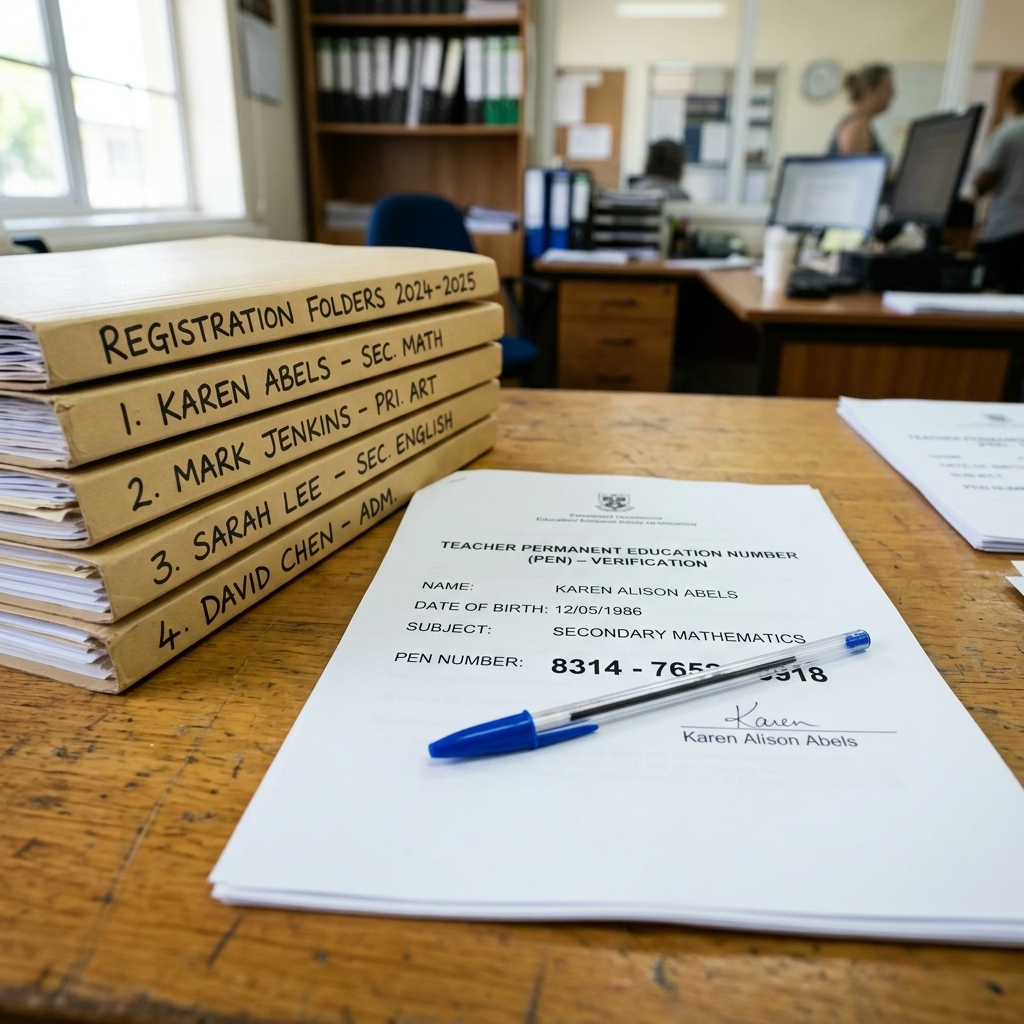
The teacher module in the database has added fields to track professional development. In this session, schools must log the number of training hours each teacher spent on inclusive education, cyber safety, and digital teaching tools. This tracking ensures that teaching rosters align with modern pedagogical standards, helping the district education office plan training workshops.
Vulnerable Student Group Tracking
Under the updated SDMS rules, the student module has expanded demographic options. Class teachers must record details of children belonging to nomadic tribes, children of migrant laborers, and out-of-school children integrated under local programs. Capturing this data on the portal helps the government allocate targeted funds to support vulnerable pupil populations.
APAAR ID Generation and Student Database Integration
The most significant update in the student module is the integration of the Automated Permanent Academic Account Registry (APAAR). This national student registry card plays a key role in tracking student progression:
Understanding the APAAR ID Registry
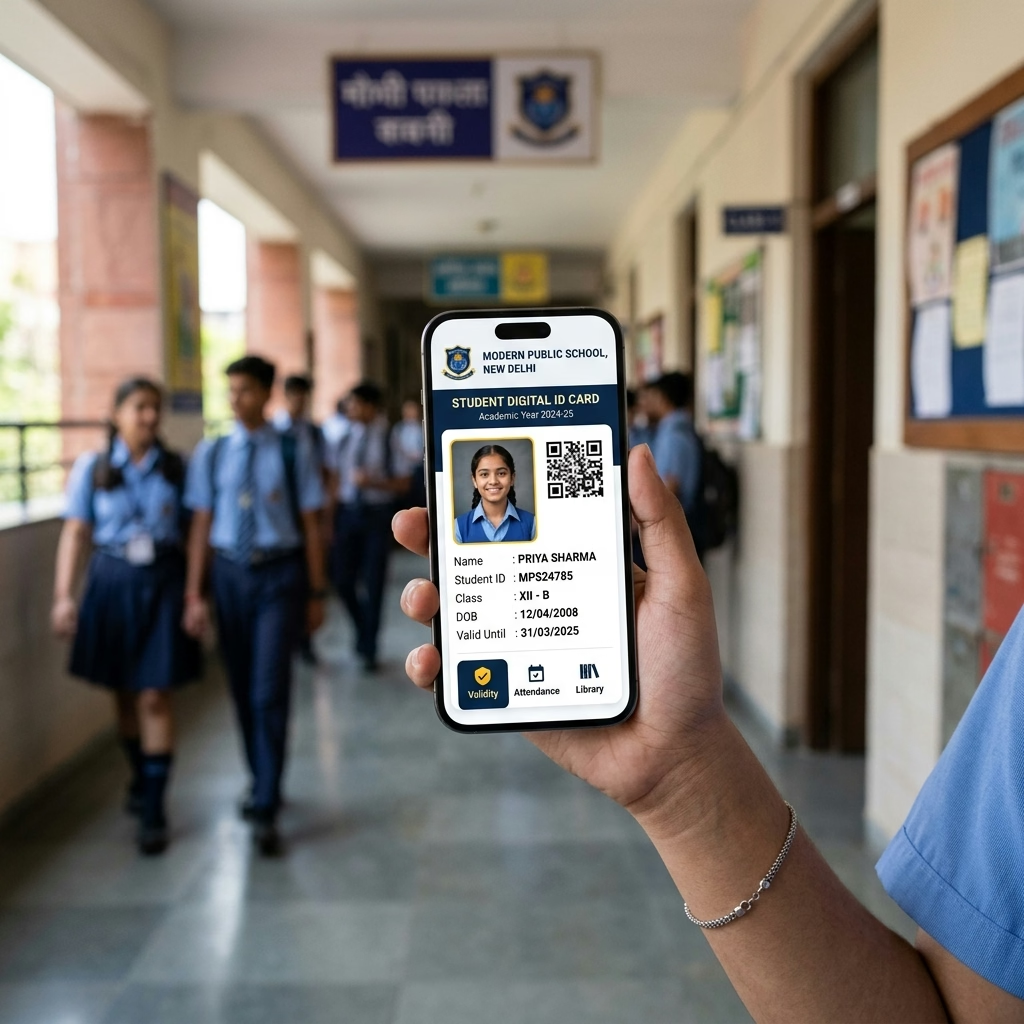
The APAAR ID is a unique 12-digit digital identity card assigned to every student registered in the udise plus 2026-27 database. This card acts as a digital credit bank, storing the student's exam records, sports achievements, and co-curricular awards. The APAAR ID remains constant even if the student transfers to another school or moves to another state, ensuring that their academic history remains linked under a single national registry.
Step-by-Step APAAR ID Generation Process
To generate the APAAR ID on the portal, school heads must follow this verification workflow:
- Verify that the student's demographic details in the UDISE GP form show a green "Verified" checkmark.
- Collect the signed parental consent form (which is mandatory for minor students) and store it in school files.
- Log into the student module and click the "Create/Verify APAAR" button next to the student's profile.
- The portal connects to the DigiLocker and UIDAI registry to generate the card.
- Download the student's digital APAAR card and distribute it to their parents.
Troubleshooting APAAR Verification Failures
If the portal displays an "Aadhaar Match Failed" warning during APAAR generation, the student's UDISE profile contains typographical errors. The operator must match the spelling of the name, gender, and date of birth in the UDISE GP form with the physical Aadhaar card. Correct any errors, save the profile, and retry the generation process to complete the record.
Aligning School Profiles with NEP 2020 Policy Standards
The updates introduced in the udise plus 2026-27 portal directly support the goals of the National Education Policy (NEP 2020). School heads must align their annual data entries with these policy requirements:
APAAR ID as a Lifelong Digital Student Record
The implementation of the APAAR ID in the udise plus 2026-27 session provides a lifelong digital academic record for every student. This card links to the Academic Bank of Credits (ABC), making it easier for students to transfer between institutions. It simplifies verification during higher education admissions, reduces paperwork, and helps eliminate duplicate profiles across the country.
School Infrastructure Mapping for Quality Education
To meet NEP 2020 goals, the portal tracks school facilities to ensure a safe learning environment. The system monitors class-pupil ratios, the condition of science labs, and clean drinking water facilities. School heads must enter these details accurately, as the government uses this data to allocate funds for school modernization projects.
Supporting Inclusive Education and Special Needs (CWSN)
The policy emphasizes inclusive education for all children. In the current forms, schools must report the availability of ramps, braille books, specialized toilets, and trained special educators. Accurately reporting these facilities helps the education department identify schools that require resource grants to support children with special needs.
Step-by-Step Guide to Freezing Modules and Generating Certificates
Completing the data entry is only half the battle. To finalize your submission on the portal, school heads must complete the verification and freeze process:
1. Reviewing the Data Validation Dashboard
Before submitting, log into the udise plus 2026-27 portal dashboard and click the "Data Validation" tab. The portal will scan your entries and flag incomplete profiles or infrastructure details in red. The school operator must open these flagged sections, fill in the missing details, and ensure all indicators show green before proceeding.
2. Freezing the Modules
Once all sections are complete, the school principal must review the summary report. If all metrics are correct, click the "Freeze" button for each module (School, Teacher, and Student). This locks the database and submits the files to the Block Nodal Officer. Remember, schools cannot modify records once they freeze the modules, so doublecheck entries carefully before clicking.
3. Generating the Digital School Certificate
After freezing the data, the portal system generates the official **Digital School Certificate (DSC)**. The school head must download this PDF certificate, which contains the school's UDISE code, total student and teacher counts, and the final submission timestamp. Keep a printed copy of the DSC in school files as proof of compliance for the district education office.

| Portal Workflow Step | Database Action Required | Key Verification File | Required Outcome |
|---|---|---|---|
| Data Entry Completion | Fill GP, EP, SF forms, enter teacher details and facilities | Admission files, inventory lists | 100% complete status on dashboard |
| Aadhaar & APAAR Sync | Verify student names, collect parental consent forms | Physical Aadhaar card, consent form | Verified checkmark and generated APAAR ID |
| Module Review | Check validation dashboard for error markings | School registers, staff qualification logs | Zero error messages and green indicators |
| Final Submission | Click the Freeze button on the dashboard panel | Consolidated summary report page | Downloadable Digital School Certificate (DSC) |
Timeline Deadlines and Compliance Audit Guidelines
Managing your school profile on the portal requires strict adherence to timelines. Failure to comply can result in administrative blocks and audits:
Annual Submission Timelines
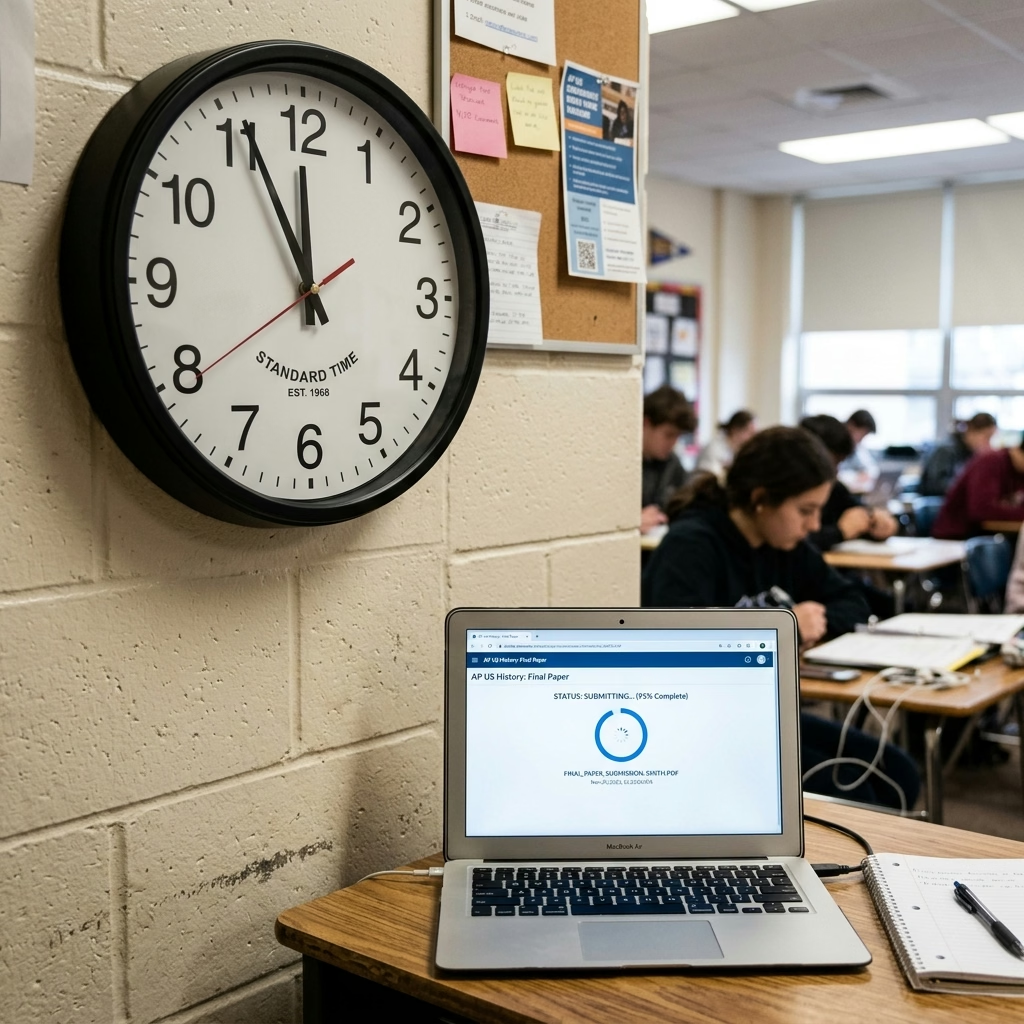
The Ministry of Education sets regional deadlines for the udise plus 2026-27 session, typically scheduled between October and December. School heads should not wait until the final week to submit their data. Heavy server traffic during the final days can cause page load failures and database timeouts, leading to missed deadlines.
District Level Compliance Audits
After schools submit their data, district education officers audit the portal entries against physical registers. If audit teams find that a school reported incorrect teacher counts or inflated student enrollment to claim extra funds, the department will launch an inquiry. Inaccurate submissions can result in the suspension of the school's login and recognition.
Unlocking the Database for Corrections
If a school coordinator discovers an error after freezing their data, they must contact the Block Resource Coordinator (BRC) to request a database reset. The school head must submit a written explanation detailing the corrections. Once approved, the coordinator resets the profile on the central server, allowing the school to correct the errors and refreeze the modules.
Udise Plus Student (SDMS) Login Module (State Wise)
❓ Frequently Asked Questions (FAQs)
Here are the most common questions people ask about UDISE Plus 2026-27: Portal Updates, Guidelines & Data Entry Rules.
✅ Conclusion
The UDISE Plus 2026-27 academic session introduces important updates aimed at digital student tracking and infrastructure planning. By understanding the new DCF fields, generating verified APAAR IDs, and completing the profile freeze workflows, school heads ensure seamless compliance. Submit your data early to prevent database bottlenecks and secure your institution's funding.
