UDISE Plus UP 2026-27: Uttar Pradesh School Login & Prerna Portal Guide
📋 Table of Contents (click to collapse)
- Introduction to the UDISE Plus UP Database
- Configuring the Uttar Pradesh School Login Credentials
- Syncing Student Records with the UP Prerna Portal
- Understanding the UP Basic Shiksha Parishad Guidelines
- The Role of Block Resource Coordinators (BRC) in UP Verification
- Integrating the Sharda Program and Dropout Tracking
- Frequently Asked Questions (FAQs)
Introduction to the UDISE Plus UP Database
As the most populous state in India, Uttar Pradesh manages one of the largest school networks in the world. To monitor and maintain these records, the state administration implements the udise plus up module. This platform coordinates with state-level registries to gather information from over 250,000 schools across 75 districts. Because the state manages millions of students, database operators in Uttar Pradesh face unique challenges when verifying records. The udise plus up system provides the necessary database infrastructure to streamline administrative reporting.
Class teachers, school administrators, and block coordinators use the udise plus up portal to record key educational parameters. The database captures school infrastructure conditions, teacher service histories, and individual student profiles. Because this information maps student progress, the state uses udise plus up reports to determine budget allocations for primary education. These reports directly impact the distribution of uniforms, midday meals, and composite school maintenance grants.
Completing entries on the state module requires detailed knowledge of local administrative workflows. Operators must ensure that data submitted to the central database matches regional records on Uttar Pradesh education boards. Any discrepancy between state registries can block funding and cause validation errors. This comprehensive manual details the step-by-step procedure to access the udise plus up portal, sync student profiles with the Prerna Portal, verify files with block coordinators, and track dropouts under the Sharda program.
Configuring the Uttar Pradesh School Login Credentials
To start the annual reporting process, school operators must access the correct state login panel. Using incorrect links can result in access blocks and credential lockouts. Follow these steps to secure your connection:
Selecting the State Panel
Navigate to the central UDISE+ landing page. The login dashboard features a dropdown list labeled "State Selection". The school operator must select "Uttar Pradesh" from this list and click the redirect button. The browser will open the dedicated login page for the udise plus up module. Using this state-specific landing page ensures that your credentials match the database partition for Uttar Pradesh.
Managing the Uttar Pradesh School Login
To complete the Uttar Pradesh school login, the operator enters the school's unique 11-digit UDISE code as the username, followed by the registered security password and captcha code. If the school head loses the password, they must use the reset tool on the Uttar Pradesh school login page. The system will send a temporary password to the school head's registered mobile number via SMS, allowing them to restore access and continue data entry.
District MIS Database Verification
If the portal displays an "Active Status Blocked" error during the Uttar Pradesh school login process, the school's registration profile has expired or been flagged. This issue typically happens when a school fails to submit its recognition renewals on time. To resolve this block, the school management must submit their physical recognition papers to the District Basic Shiksha Adhikari (BSA) office, where MIS coordinators will verify the documents and restore the school login status.
Syncing Student Records with the UP Prerna Portal
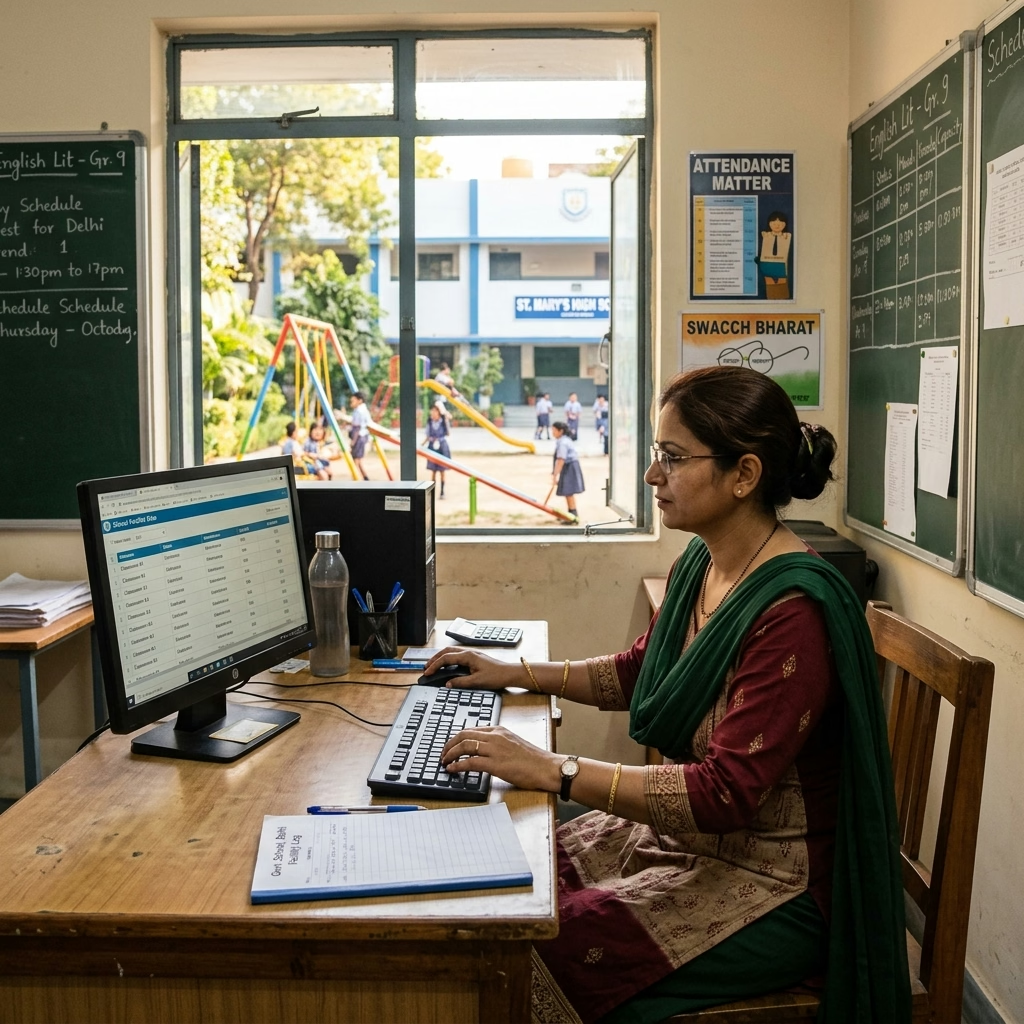
The Uttar Pradesh government uses a state-specific database called the Prerna Portal to manage state-run welfare schemes. To ensure that students receive their entitlements, school operators must sync records between UDISE and Prerna databases.
Direct Benefit Transfer (DBT) Requirements
Under the DBT scheme, the UP government transfers money directly to the bank accounts of parents to purchase uniforms, school bags, shoes, and sweaters. To release these funds, the state department matches the student list on the Prerna database against the verified student list in the udise plus up system. If a student is registered on Prerna but lacks a verified record on the udise plus up database, the system will block their DBT payments.
Prerna Portal Sync Process
To sync records, the operator must verify the student's spelling, class section, parent names, and Aadhaar validation status. Once the student shows a green "Verified" status in the udise plus up student module, the operator logs into the Prerna portal and clicks the "Sync UDISE Data" button. The Prerna database queries the central UDISE system using the student's PEN (Permanent Education Number) to update the record and clear the student for DBT benefits.
Resolving Mismatch Errors
If the sync process fails, the database will flag a mismatch warning. This error happens when a student's name is spelled differently in the two databases. The operator must check the school admission register to confirm the correct spelling. Correct the spelling in the UDISE GP (General Profile) form, save the changes, run Aadhaar validation, and trigger the Prerna sync request again to resolve the mismatch.
Understanding the UP Basic Shiksha Parishad Guidelines
The **UP Basic Shiksha Parishad** oversees primary and upper primary education in the state, establishing the guidelines and timelines for the annual UDISE submissions. School heads must understand these policies to maintain compliance:
Compliance Timelines
The **UP Basic Shiksha Parishad** sets strict deadlines for the completion of school infrastructure, teacher, and student modules. Since the state education department uses this database to calculate teacher vacancies and classroom shortages, delays in submission can disrupt administrative planning. Schools that fail to freeze their UDISE profiles by the deadline face warnings, and continued delay can result in the suspension of their recognition.
Audit Controls for Student Ratios
To prevent schools from inflating their student enrollment counts to claim larger grants, the **UP Basic Shiksha Parishad** crosschecks UDISE numbers with physical attendance records. District inspectors visit schools during the data entry cycle to verify student presence. If the system detects a mismatch between physical attendance and the UDISE database, the state department will freeze the school's login and launch an official inquiry.
Infrastructure Reporting Rules
Under Parishad guidelines, schools must report their facility upgrades, including functional clean drinking water points, separate toilets for girls and boys, computer lab setups, and wheelchair ramps. Accurately reporting these features on the udise plus up portal helps the government track progress under the state's Operation Kayakalp, which focuses on modernizing school facilities across Uttar Pradesh.
The Role of Block Resource Coordinators (BRC) in UP Verification
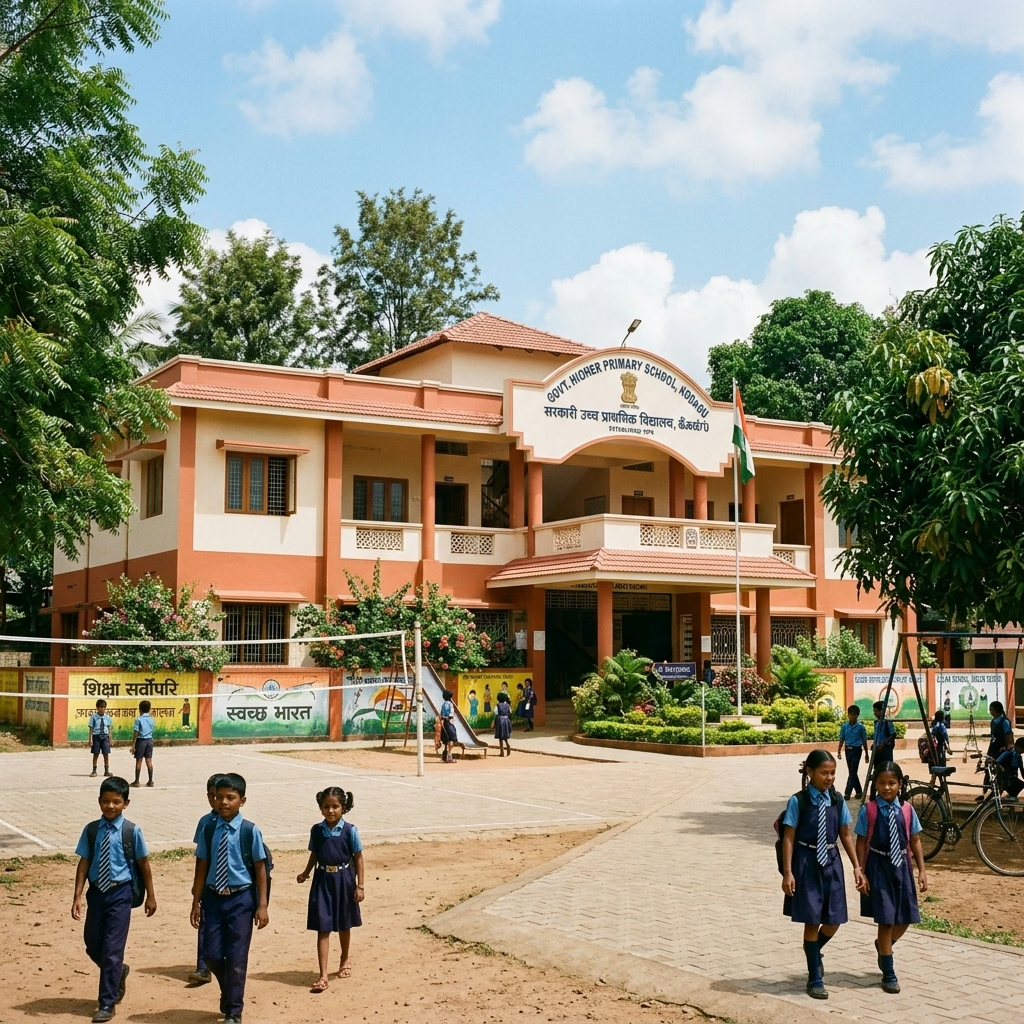
The Block Resource Coordinator (BRC) serves as the primary administrative link between local schools and the district education office in Uttar Pradesh. Understanding how BRC officers audit data is essential for smooth submissions:
Data Verification and Site Inspections
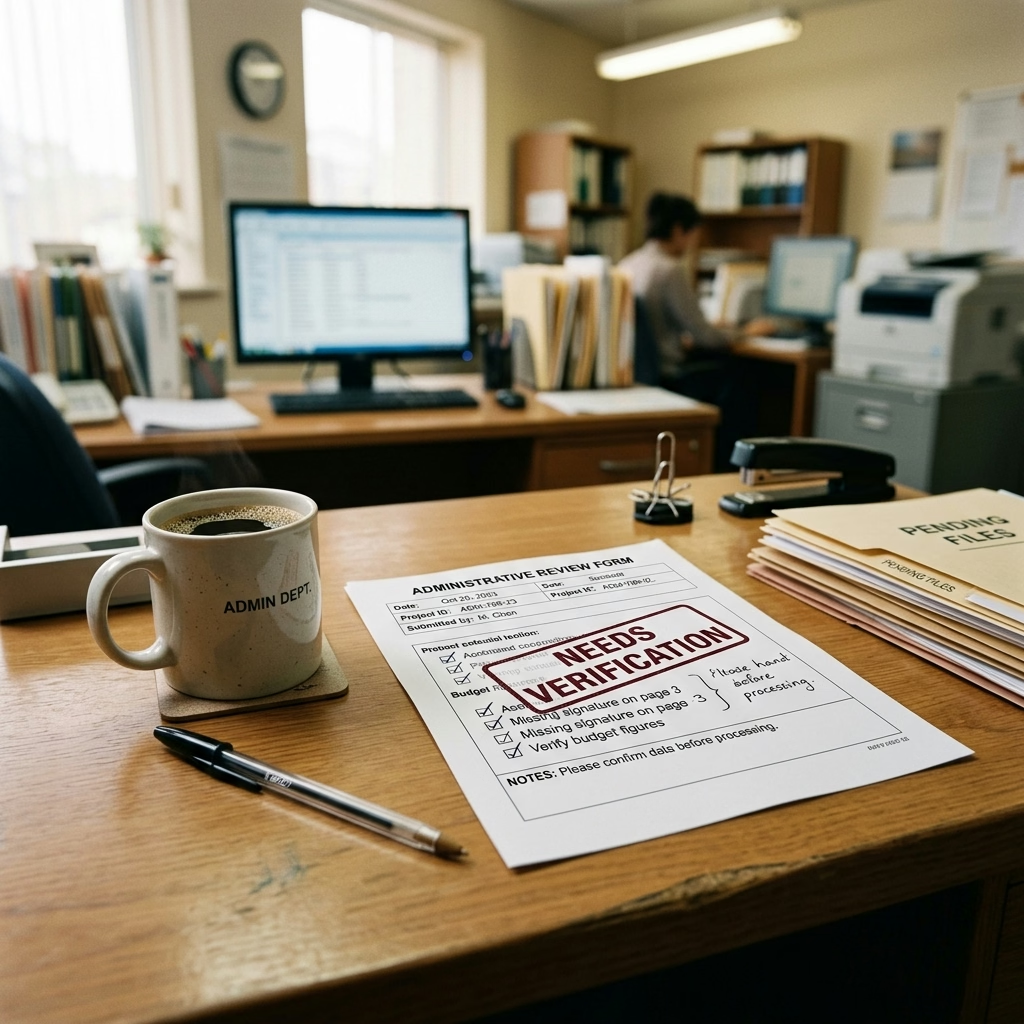
Once a school operator completes all modules and freezes their UDISE profile, the data is sent to the block level. The **block resource coordinator UP** reviews the reports, checking for extreme anomalies, such as a school reporting zero classrooms or a sudden 50% drop in student count. If the coordinator spots issues, they will reject the report and return the school profile for correction.
Database Reset Permissions
If a school coordinator freezes their profile but realizes they entered incorrect teacher qualifications or missing facilities, they cannot unlock the profile themselves. The school head must submit a written request detailing the corrections to the **block resource coordinator UP**. The coordinator verifies the request and uses their admin login to reset the school profile, allowing the school operator to correct the errors.
Training Workshops for School Operators
To reduce data entry errors, the **block resource coordinator UP** organizes training sessions at the block level before the portal opens. These sessions teach school operators how to run Aadhaar validations, generate PEN numbers, and sync profiles with the Prerna portal, helping schools submit clean data and meet state timelines.
| Administrative Steps in UP | Key Actor Involved | Database Action Required | Verification Document |
|---|---|---|---|
| State Login Selection | School Data Operator | Select Uttar Pradesh, enter code and password | Registered school password |
| Student Database Entry | Class Teacher & Operator | Complete GP, EP, SF forms, validate Aadhaar | Student Aadhaar, admission card |
| Prerna Database Sync | School IT Head | Click Sync UDISE on Prerna, verify DBT data | Student PEN, parent bank account |
| Block Data Verification | Block Coordinator (BRC) | Audit submitted school profile and approve entry | Physical inventory, school register |
Integrating the Sharda Program and Dropout Tracking
To reduce school dropout rates, the Uttar Pradesh government implements the Sharda Program. The UDISE database plays a key role in tracking these students:
Identifying Out-of-School Children (OOSC)
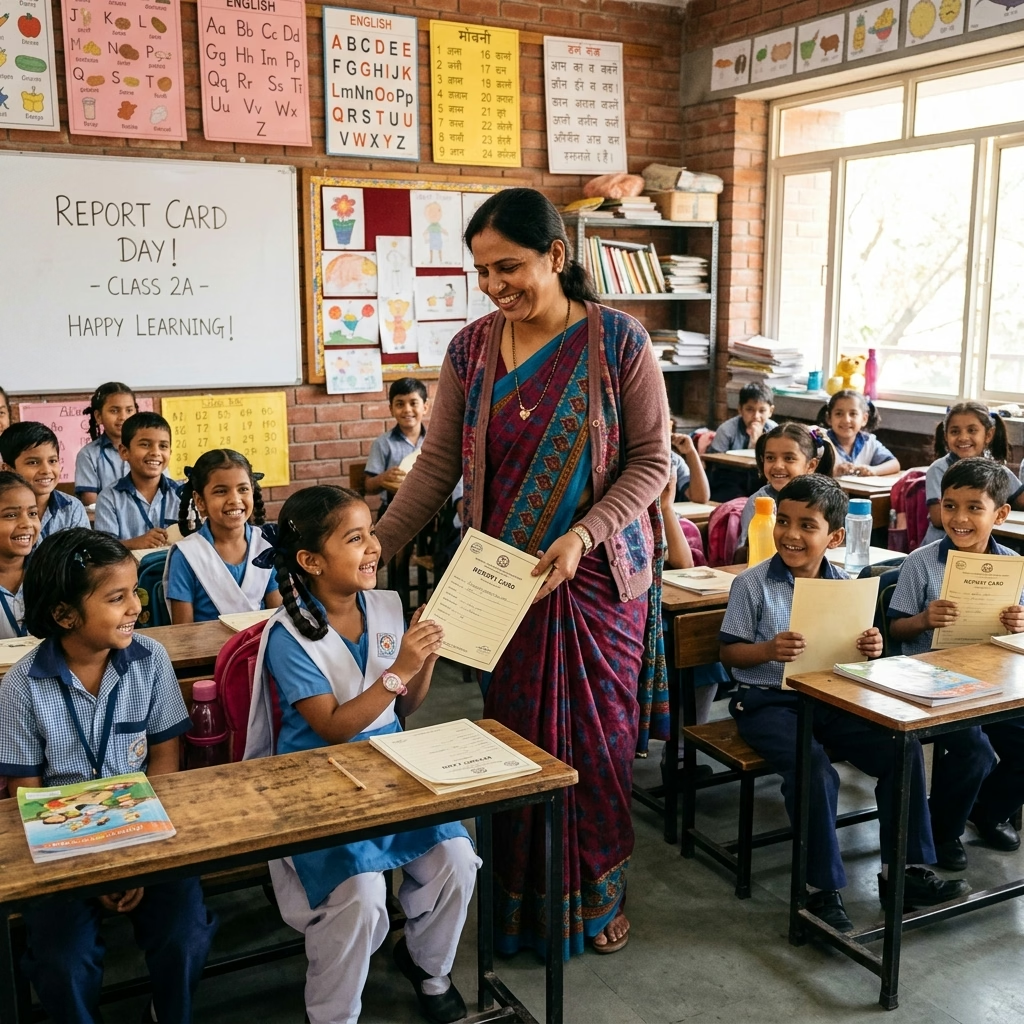
Under the **sharda program dropout tracking** initiative, teachers survey villages to identify children who have dropped out or never attended school. These children are admitted to age-appropriate classes and given special training. To track their integration, the operator must register these students under a dedicated field in the udise plus up student module, marking them as OOSC children.
Tracking Progression and Retention
The **sharda program dropout tracking** system monitors the retention of these vulnerable students. The portal tracks their attendance, the special training they receive, and their progress over the academic year. If an OOSC student migrates to another block, the system uses their PEN to transfer their profile, helping teachers track their progress and prevent them from dropping out of the system again.
Generating Progress Reports
The state education department pulls data from the **sharda program dropout tracking** database to evaluate the success of the initiative. These reports help policy-makers identify districts showing high numbers of out-of-school children, allowing the government to deploy additional special training centers and resource grants to support educational inclusion across UP.
Udise Plus Student (SDMS) Login Module (State Wise)
❓ Frequently Asked Questions (FAQs)
Here are the most common questions people ask about UDISE Plus UP 2026-27: Uttar Pradesh School Login & Prerna Portal Guide.
✅ Conclusion
The UDISE Plus UP platform forms the administrative backbone of Uttar Pradesh's primary and secondary school systems. By syncing student data with the Prerna Portal, verifying profiles with Block Resource Coordinators, and tracking dropouts under the Sharda program, school administrators ensure accurate statistics and secure essential funding. Follow the verified steps to complete your school entries before the state deadline.
